 |
We support now visible field on various X3D nodes:
Inlinenode.- This is
TInlineNodewhen looking at the graph from Pascal.
- This is
- and on all
X3DGroupingNodedescendants, includingTransformandGroup.- These are
TAbstractGroupingNode,TTransformNode,TGroupNodein Pascal.
- These are
We also support very similar glTF extension KHR_node_visibility. The logic of this glTF extension directly maps to X3D visible field.
The main use-case is to toggle visibility of a group of visual things at run-time. From Pascal code in Castle Game Engine, you can find the TTransformNode that interests you using e.g. the TCastleSceneCore.Node method and then toggle the Visible boolean property. If you don’t know what transform nodes are available (e.g. because you load model in other format, like glTF) then inspect it, by first saving it to X3D using e.g. our Castle Model Viewer, and then open X3D in any text editor.
As a testcase, open x3d/visible_toggling.x3dv in our demo-models repository, https://github.com/castle-engine/demo-models/ . We recommend to just get the whole repository (git clone ...) to have all files. It shows spheres (some visible, some hidden by default) and allows toggling “visible” at runtime (using KeySensor.controlKey routed to “visible” fields).
For more notes see API docs on TAbstractGroupingNode.Visible.
TODO:
- Both the X3D and glTF features specifications’ say to also disable light and fog nodes within a group that you made invisible. We don’t implement this yet — for now, the
Visiblefield only affects the visibility of shapes. If you use this feature, be aware that we will toggle lights and fog in the future too. -
In case of glTF, it would be great to also support KHR_animation_pointer. This is a bit like X3D routes: allows to animate almost every part of the glTF, in particular it allows to animate the visibility defined by
KHR_node_visibility.
If you enjoy this, please support our work on Patreon!
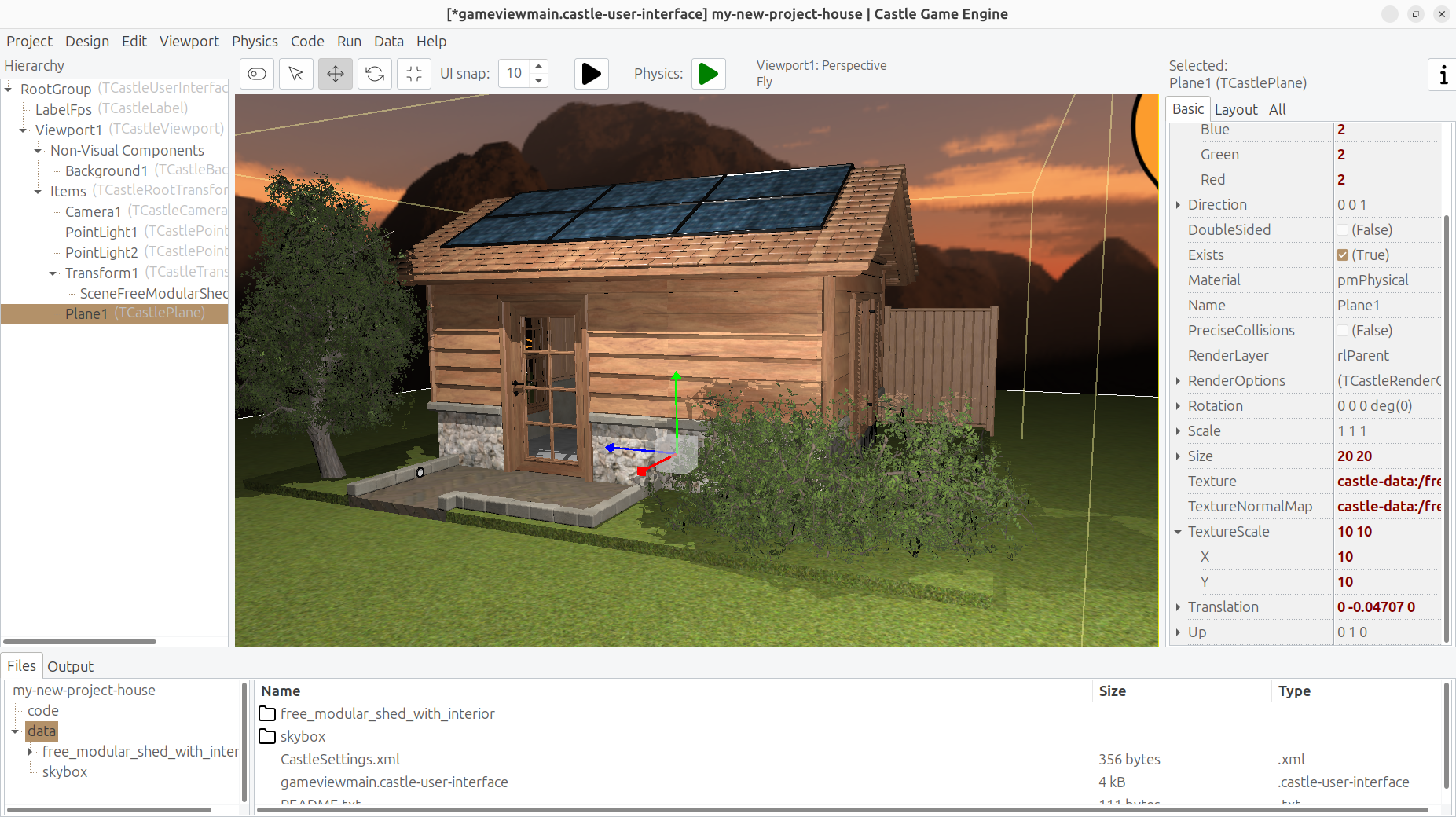
Our screenshot shows house 3D model by denniswoo1993. Not really related to the feature described here, just something pretty arranged in our editor:)