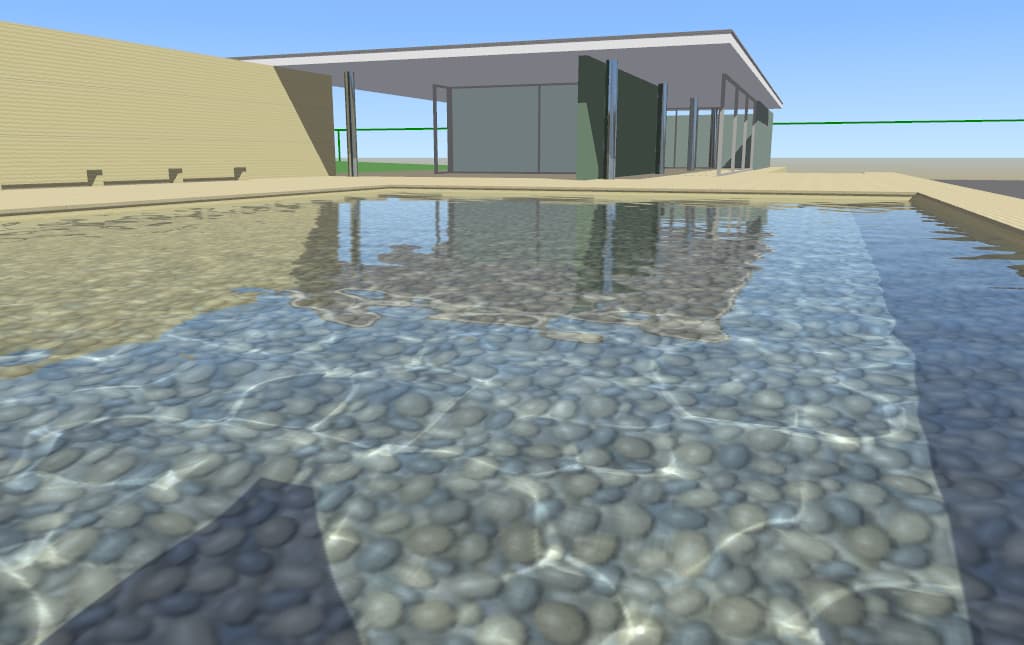
Hi. How do I add water like in the screenshot below? I didn’t find it in the documentation about water.
-
The water in this screenshot is rendered using a setup (model in X3D format + shaders) in our demo models.
-
To see it in action, get the demo models (simplest: just
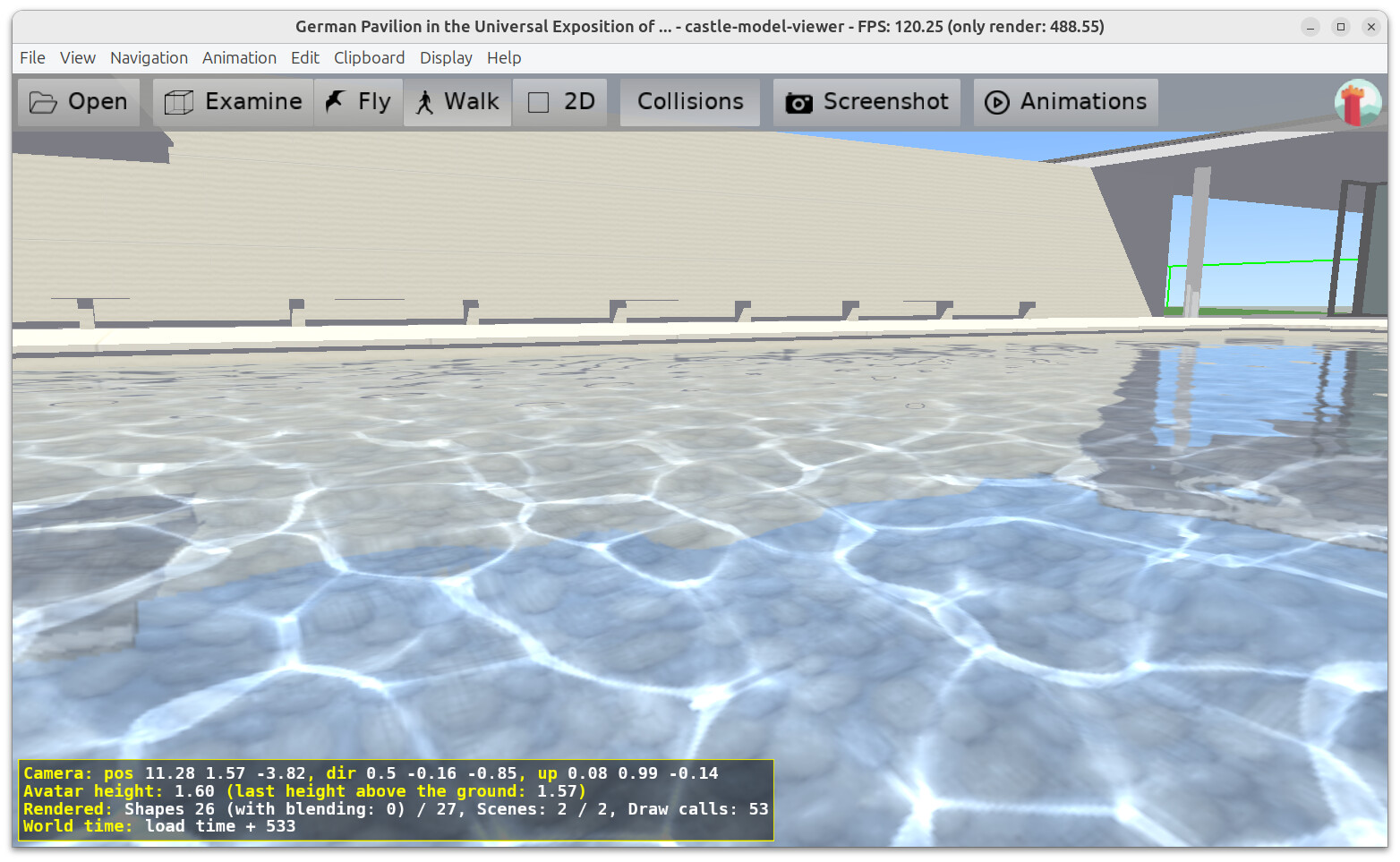
git clone https://github.com/castle-engine/demo-models) and open using our Castle Model Viewer the filedemo-models/water/caustics/Barna29.x3dv. -
Walk around in Castle Model Viewer and dive into the water freely. AWSD for movement, hold right mouse button for “mouse look”, “C” to crouch (and get under the water surface).
-
Take a look at the
Barna29.x3dvsources, it’s an X3D file (you can open it in any text editor) to see how it’s done. There are water and caustic shaders present in the same directory.
As you will see above, the way it works is rather involved, and not really something you can easily reuse in your own project, without understanding various pieces of it. I’m giving this information so that you can explore it :), but admittedly I recommend you not to try to reuse this particular water, instead see point 2 below:
-
-
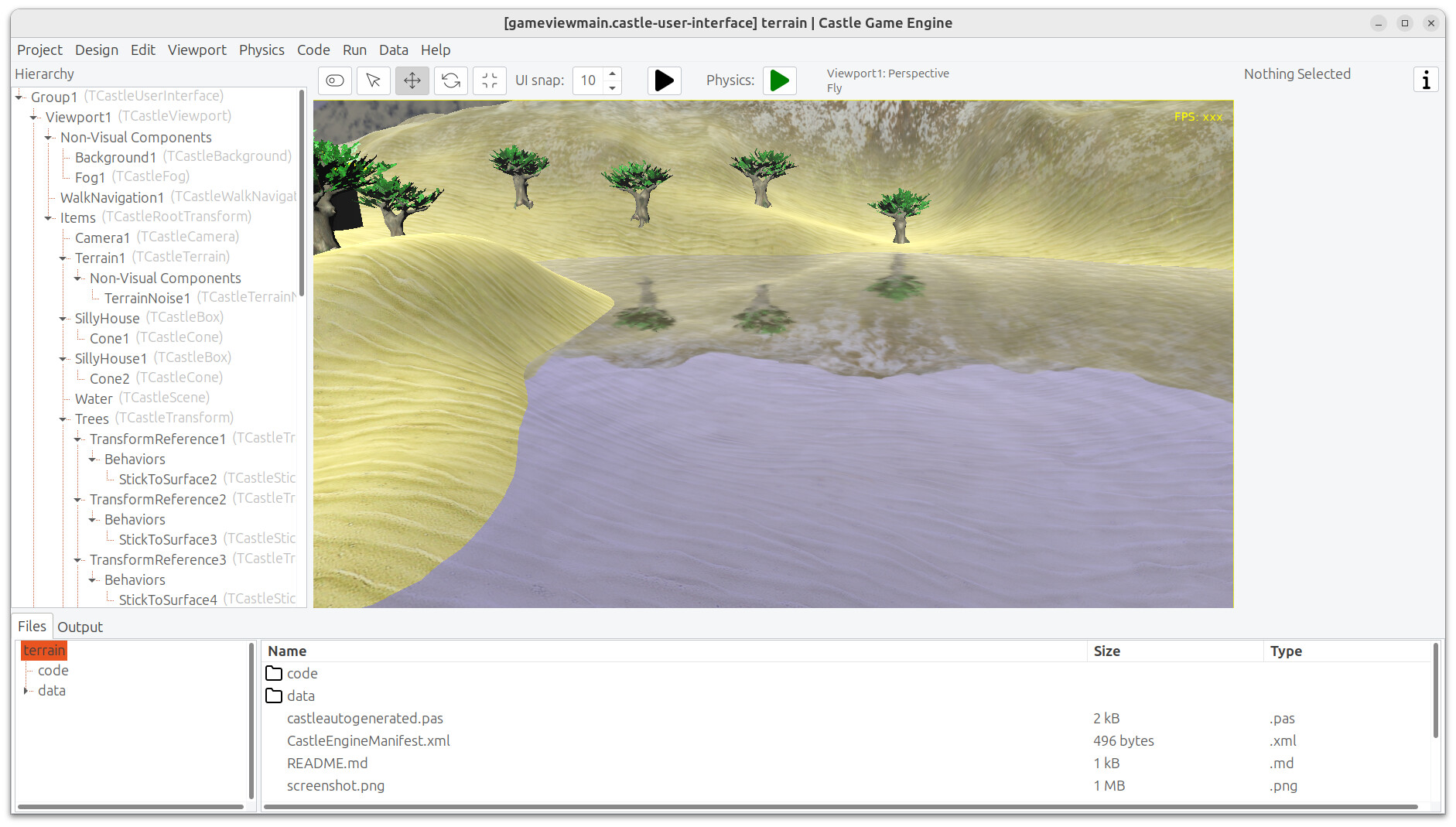
The “water setup” that is simpler, and uses our mirrors on flat surface support, and is thus more easy to “reuse” in your own projects, is inside the
examples/terrain/demo.-
Copy stuff from there, if you want to have “easy water in 3D game/application” in your project.
-
In particular, copy the
watersubdirectory, examples/terrain/data/water. It contains some shaders pluswater.x3dv. In your own application, you can createTCastleSceneand load thewater.x3dvthere (settingTCastleScene.Urlto point towater.x3dvin your data). -
And
water.x3dvhas a bunch of parameters that are easy to adjust in a text editor.Like the shape/size of the water surface:
geometry IndexedFaceSet {
coord Coordinate {
  point [ -1 0 -1, -1 0 1, 1 0 1, 1 0 -1, ]
}
Like water color / transparency:
    material PhysicalMaterial {
      transparency 0.3
      baseColor 0.5 0.5 1
Shaders contain parameters to control waves:
#define wave_speed 1.0
#define wave_size 20.0
#define wave_calmness 10.0
#define wave_perturb_reflection 0.01
Tweak all parameters above to your liking

-
-
Future: We want to develop “material components” (see roadmap item: Roadmap | Manual | Castle Game Engine ) that would allow to “wrap” such water in a nice component, reusable both in CGE editor and from Pascal code. This will avoid “copying around” and tweaking the X3D file and shaders for such tasks in the future.
2 Likes