Hi!
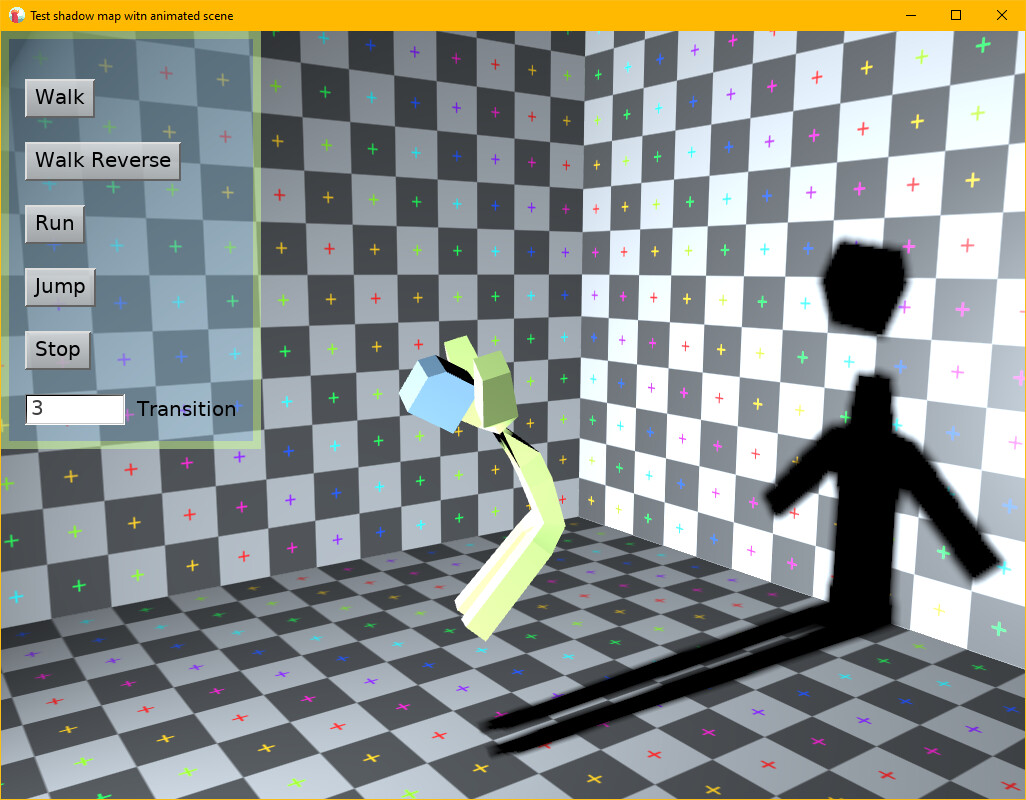
I downloaded the latest version of CGE and discovered a problem with the shadow map. For some reason, the shadow from an animated TCastleScene isn’t updating. However, if I add any light source, such as a TCastlePointLight, with the Shadow parameter enabled in GameView, the shadow map starts updating.
Thank you for the testcase, I can reproduce the issue and I know where it is – looks like after recent animation upgrade the skinned animated model is not reflected correctly in the shadow map.
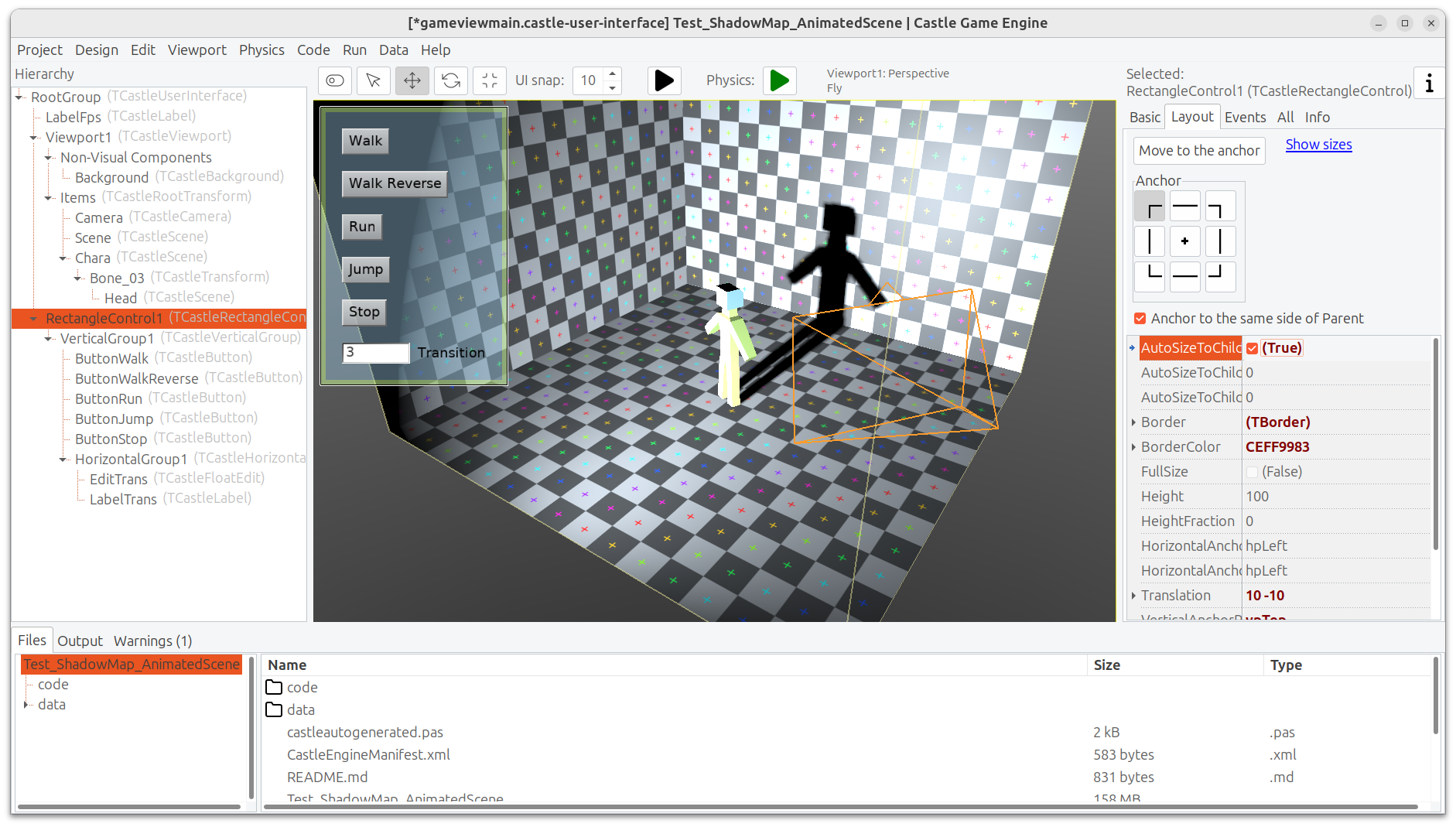
A note about the attached testcase that is not related to shadow maps: note the warning from editor:
Warning: UI control "VerticalGroup1" (TCastleVerticalGroup) encountered an endless loop when trying to calculate it's size. This means that UI child size depends on the parent (e.g. using FullSize or WidthFraction or HeightFraction), while at the same time UI parent size depends on the child (e.g. using AutoSizeToChildren).
The reason is that
VerticalGroup1 calculates its size based on children size (as it has AutoSizeWidth = AutoSizeHeight = true by default)
but one of its children calculates size based on parent: RectangleControl1 has FullSize so it must know the parent size to adjust to it.
This means that the value cannot be really determined, since the calculation is a loop. We will not enter infinite recursion (we have protection in code from it), but the results are still undefined.
The solution varies from case to case, in general you need to “break the loop”. In this case, RectangleControl1 could be a parent of VerticalGroup1, and could adjust to child size (by having RectangleControl1.AutoSizeToChildren=true and RectangleControl1.FullSize=false). This way there’s no loop, VerticalGroup1 adjusts size to children (buttons), RectangleControl1 adjusts size to children as well (VerticalGroup1).
You can do this by
dragging RectangleControl1 in the hierarchy to be a child of RootGroup,
then dragging VerticalGroup1 to be a child of RectangleControl1,
then adjust properties: RectangleControl1.AutoSizeToChildren=true and RectangleControl1.FullSize=false
then fix the positions, both VerticalGroup1 and RectangleControl1 could start with “Layout → Move To Anchor”, and then move the RectangleControl1 from the screen border as you see fit.
After this, reopen the view, and the UI warnings should disappear
Note that we will still show 1 warning, SpotLight does not know the world transformation, results (like shadow maps) may be incorrect. This is ignorable, and it’s also a result of our shadow maps issues – to be solved along with shadow maps roadmap item.
To be clear, this is independent from the core bug you report here, which is still in-progress
Hm, I’m still working on solving the issue reported here (shadow maps not updating). I spent 1h on this so far, and I know more, but I’m still surprised why does the skinned animation shader seems to be executed, but with no effect, when rendering to shadow map. I’ll get back to this tomorrow, maybe a solution will come to me in a sleep
In the meantime, I can offer a workaround, so this doesn’t block you from development: you can temporarily disable calculating skinned animation using shaders, which avoids the issue. To do this, just comment out this line in the engine:
That is, leave TSkinNode.InternalUsesShadersPossible unchanged (it will remain false then).
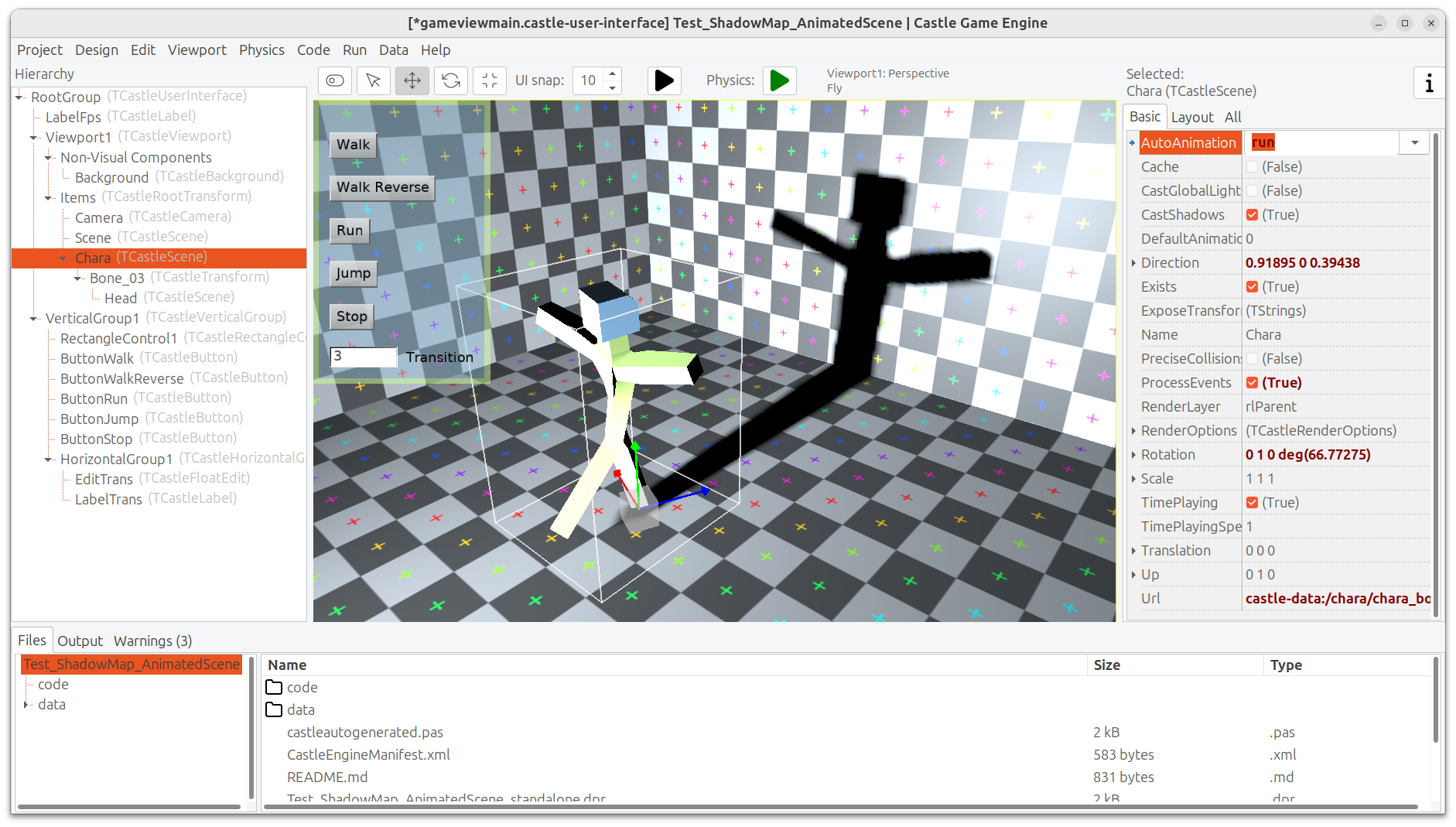
The issue reported in this thread (shadow map not reflecting the skinned animation) is fixed now The shadow will correctly show the animation (both in editor and in game).
As usual, the downloads will automatically be updated to contain the fix in a few hours. You can watch this page, when it will no longer contain the commit titled "Fix shadow map showing skinned animation" then this fix is part of the downloads.

 . I understand what you meant.
