 |
 |
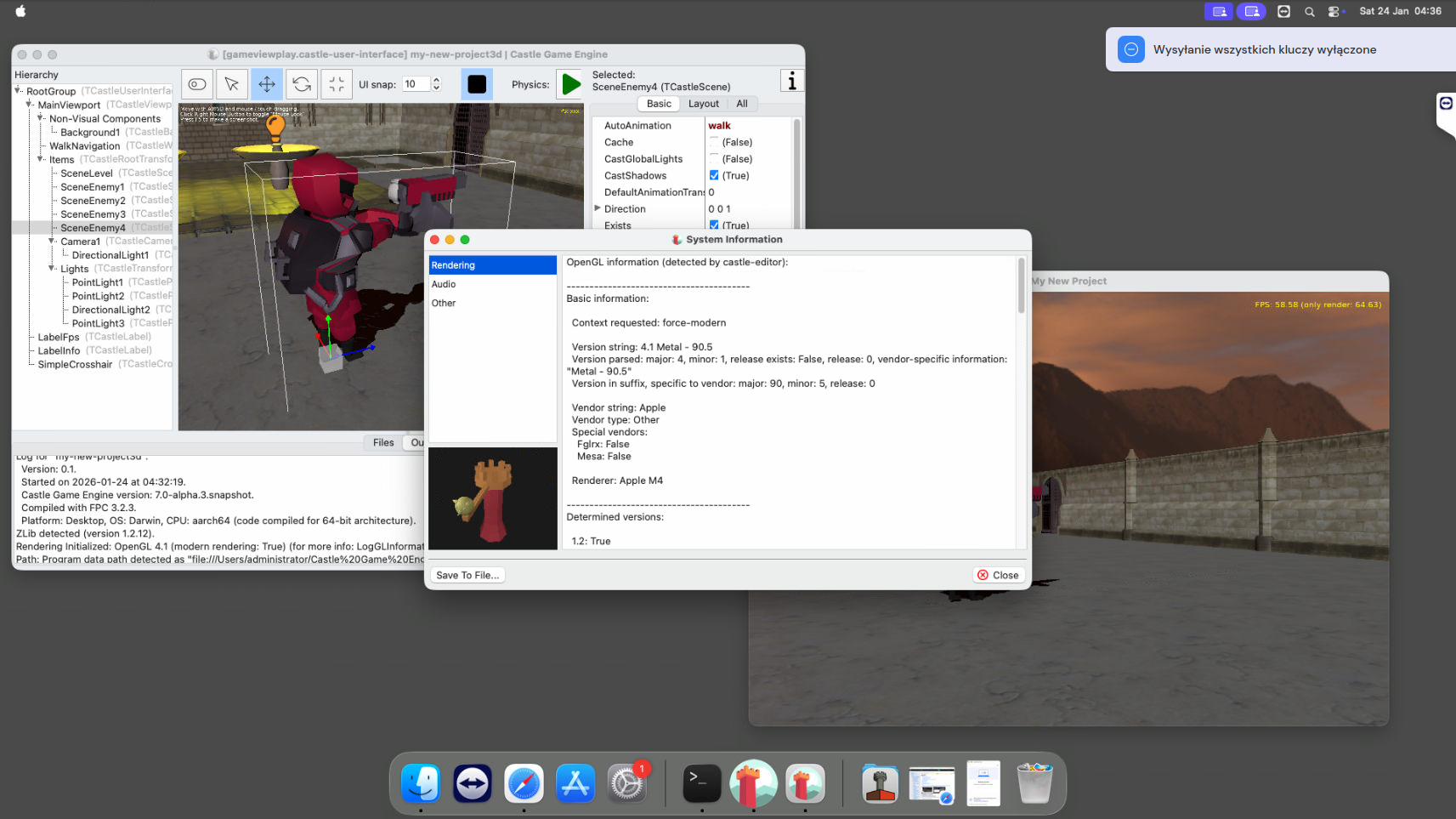 |
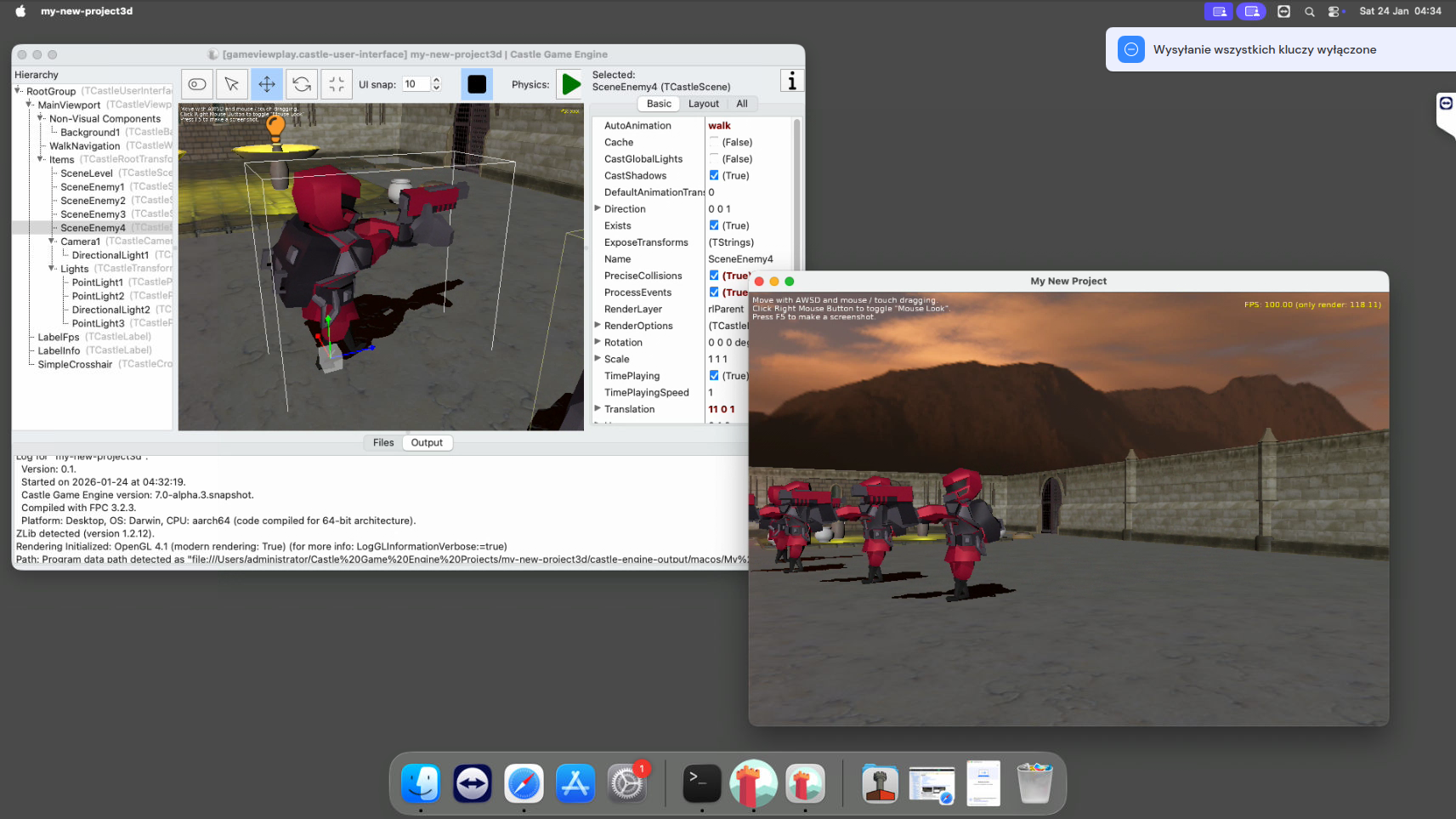
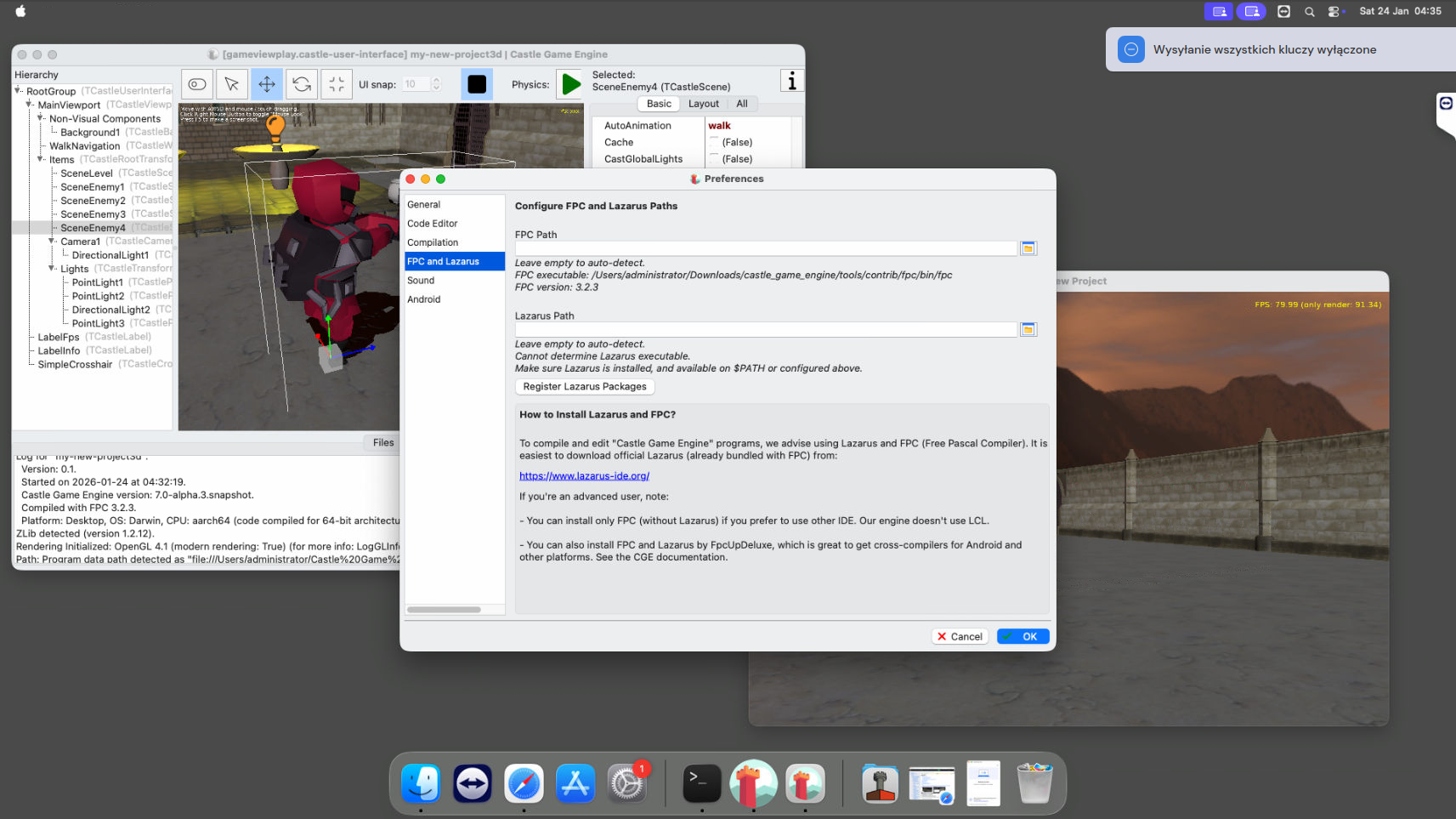
We are proud to announce numerous improvements to how our engine works on macOS:
- As hinted in previous news, our macOS builds are now provided with “bundled FPC” which means that building your games works out-of-the-box with our engine.
-
Castle Game Engine downloads now feature a native macOS/Silicon (Aarch64) build. With everything working natively on Apple Silicon, including our engine, tools, and bundled FPC.
-
Our castle-build-ci scripts allow to build macOS/Aarch64 applications as easily as for any other platform.
-
Our macOS applications are properly signed and notarized now.
- The castle-build-ci repository contains scripts to sign and notarize macOS applications. We use them for our tools, you can use them too for your applications. See the castle-build-ci/apple documentation.
-
Our Castle Model Viewer snapshots are properly signed and notarized now and available for both macOS/Intel and macOS/Aarch64.
-
Ditto for Castle Image Viewer.
-
The bundles inside engine downloads, with our GUI tools and editor, are signed and notarized too. And the command-line tools, like our build tool, and FPC compiler, are codesigned too (they cannot be “notarized” as that is possible only for bundles).
-
We have extended our macOS installation instructions to show how to use
xattr -crto remove the quarantine bit from our applications. This makes it possible to run our editor and tools properly.- Explanation: While our applications are signed and notarized, a few tools are outside of app bundles. They are still codesigned, but cannot be notarized. As such, macOS will show errors that tools like
fpcandcastle-enginecannot be executed by our editor. -
To avoid this, perform the
xattr ...command described in the macOS documentation. -
TODO: Next step, to make this really working out-of-the-box, is to package Castle Game Engine as one application bundle, with compiler and other tools inside. This will make both signing (including bundled FPC binaries) and UX (running engine editor by users) most “streamlined”. The current work takes us further in this direction, but not yet all the way, so you still need to do this
xattr ....
- Explanation: While our applications are signed and notarized, a few tools are outside of app bundles. They are still codesigned, but cannot be notarized. As such, macOS will show errors that tools like
-
This news post is also a good opportunity to announce our ability to create macOS “universal binaries”, which are application binaries that support both Intel and Silicon architecture in one exe. This has been implemented by Jan Adamec quite some time ago — thank you! To build or run a universal binary:
- You must have FPC installed that can produce both Darwin/Aarch64 and Darwin/x86_64 binaries. Use e.g. fpcupdeluxe to get this.
-
Then switch target in the Castle Game Engine editor to “Run -> Platform -> macOS Universal Binary (x86_64 + aarch64)”.
-
You can also build and run from the command-line, using
--target=macos, like this:castle-engne compile --target=macos
castle-engne run --target=macos
castle-engne package --target=macos
-
We have macOS/Silicon remote machine for testing, thanks to MacStadium and their open source program.
- This also enabled us to test everything announced here (latest engine and model viewer) on the very latest macOS Tahoe.
- Fixed: Linking on macOS/Aarch64 works now: Replaced
LSOpenCFURLRefwithNSWorkspace.openURLusage. Our commit follows similar change in LCL, see LCL commit. -
Fixed: We no longer instruct Lazarus to use Dwarf 3 debug format at compilation, as it crashes macOS building (on both x86_64 and Aarch64).
-
Fixed: “Warnings” list display of multi-line warnings. We must make them 1-line for
LCLCocoa. -
Fixed:
OnDropFileson macOS when you invoke an application with a file given as command-line argument. macOS sends then “drop files” message, and it’s quite early in the initialization code — was causing crashes before, now it’s handled properly. -
Fixed: Setting mouse position in Cocoa backend, e.g. using
Window.MousePosition := .... -
Our build tool command
castle-engine output ...was enhanced with some options to ease CI scripts making. This was useful for the signing and notarization scripts. New possibilities are:castle-engine output captioncastle-engine output authorcastle-engine output qualified-namecastle-engine output package-name
We have also documented
castle-engine output ...andcastle-engine output-environment ...in our build tool docs. -
Fixed: Display of menu item shortcuts in Cocoa that are function keys, page up/down etc. is now correct. We also react to them correctly — previous code was sometimes running the menu
OnClickevent twice by accident.
That’s it, for now! As mentioned above, we have more plans. Putting entire engine in a bundle, to avoid the need for any xattr ... trickery, is the logical next priority on macOS for us.
If you like what we do, please consider supporting us on Patreon. This supports our work, and also allows us to “pay the bills”, like Apple Membership that allows to codesign and notarize our macOS releases.