Hello and sorry for being so late to investigate this!
I basically confirm @DiggiDoggi analysis but with some additional notes + links + proof how to deal with it:)
Indeed, the skinned animation is causing your headaches. It’s actually causing 2 problems here:
-
one problem is that the animated position is only known on GPU (after shaders processed the vertexes) when using skinned animation.
-
there is another headache: by default, on skinned animated shapes from glTF, we set
TAbstractShapeNode.Collision=scBox. So even the “rest” position of the mesh is not taken into account – instead we use the bounding box (even if you setPreciseCollisionson scene totrue! theTAbstractShapeNode.Collisionis applied “deeper” in X3D on particular shape).
Both above things are solvable. We already had documentation how to deal with AD 2 in our glTF support page, somewhat buried inside section “Collisions when your glTF mesh uses skinned animation”. I extended and fixed this section now, so it tells you the whole solution. Basically, if you’re OK with the performance loss, you can:
- toggle
CollisiontoscDefaulton all shapes - disable skinning on GPU by
MyScene.RenderOptions.SkinnedAnimationShaders := false - and this is all in addition to setting
MyScene.PreciseCollisionstotrue, which you already do.
The recommended solution, without performance loss, but also without getting that “per-pixel precision”, is just like @DiggiDoggi said: attach physical colliders to joints. I also documented it now clearly at that glTF support page, so all options are now hopefully better documented.
I know, it’s not optimal in your case: it means carefully designing physical colliders to match what you want to detect.
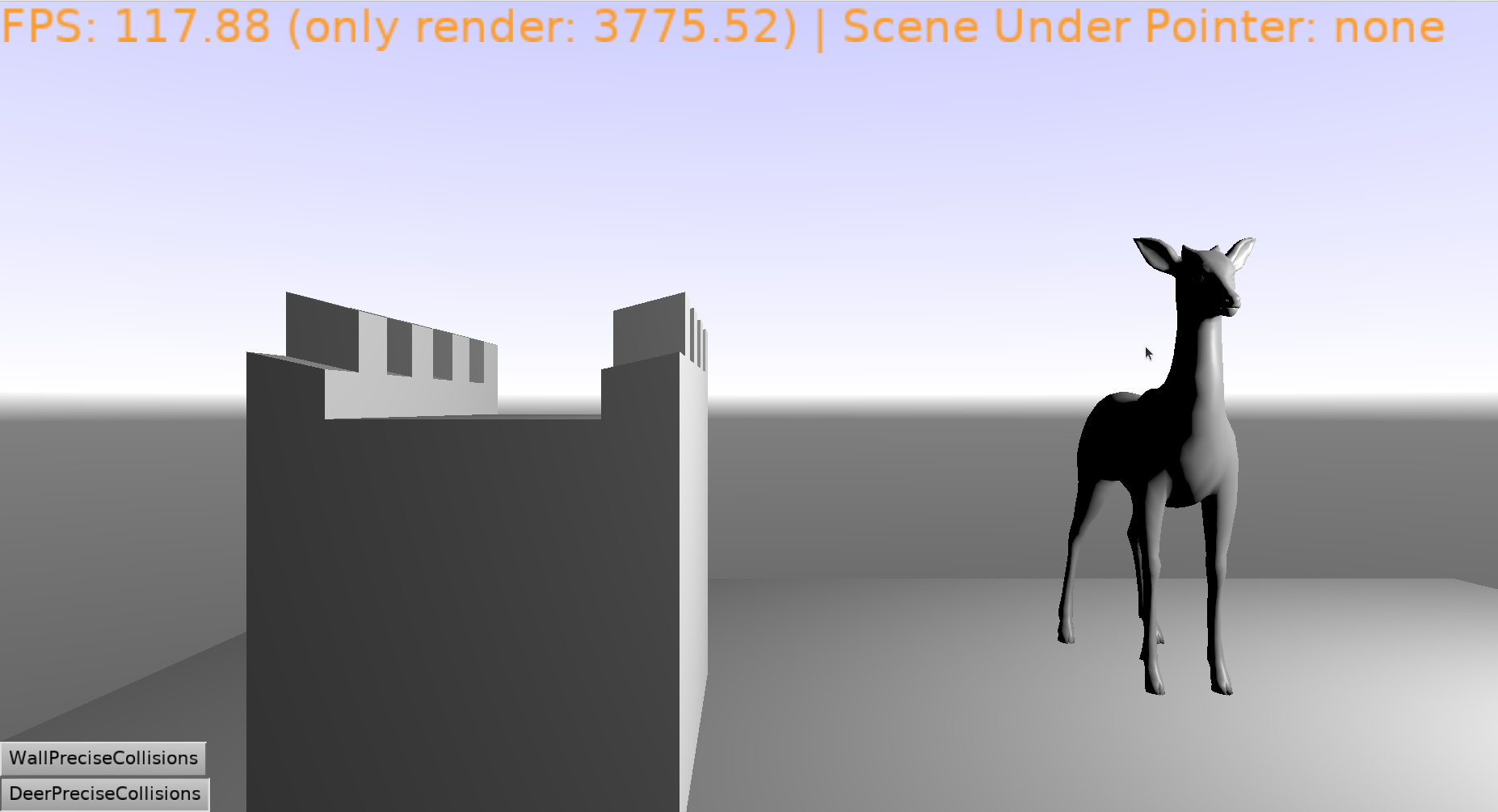
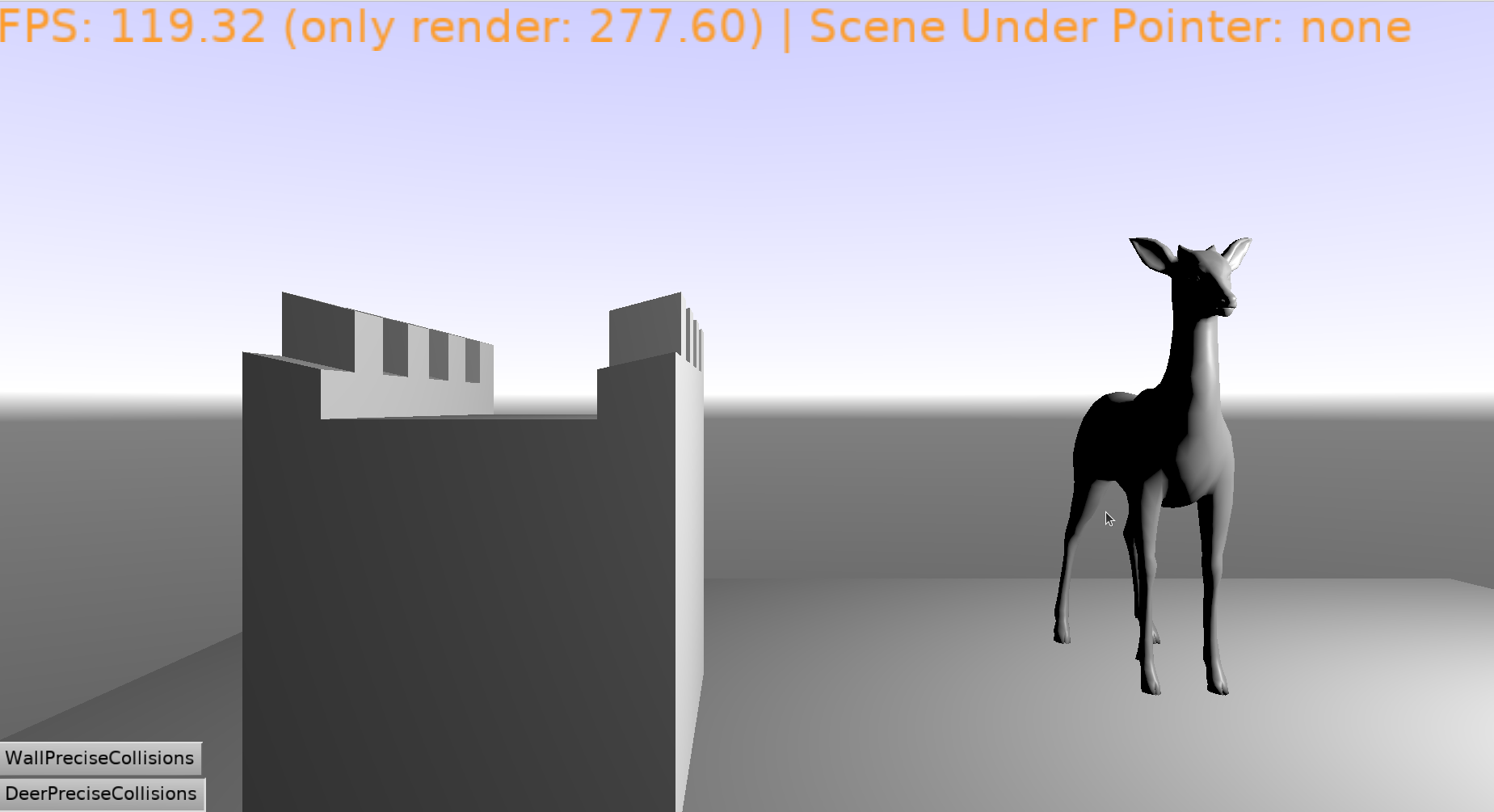
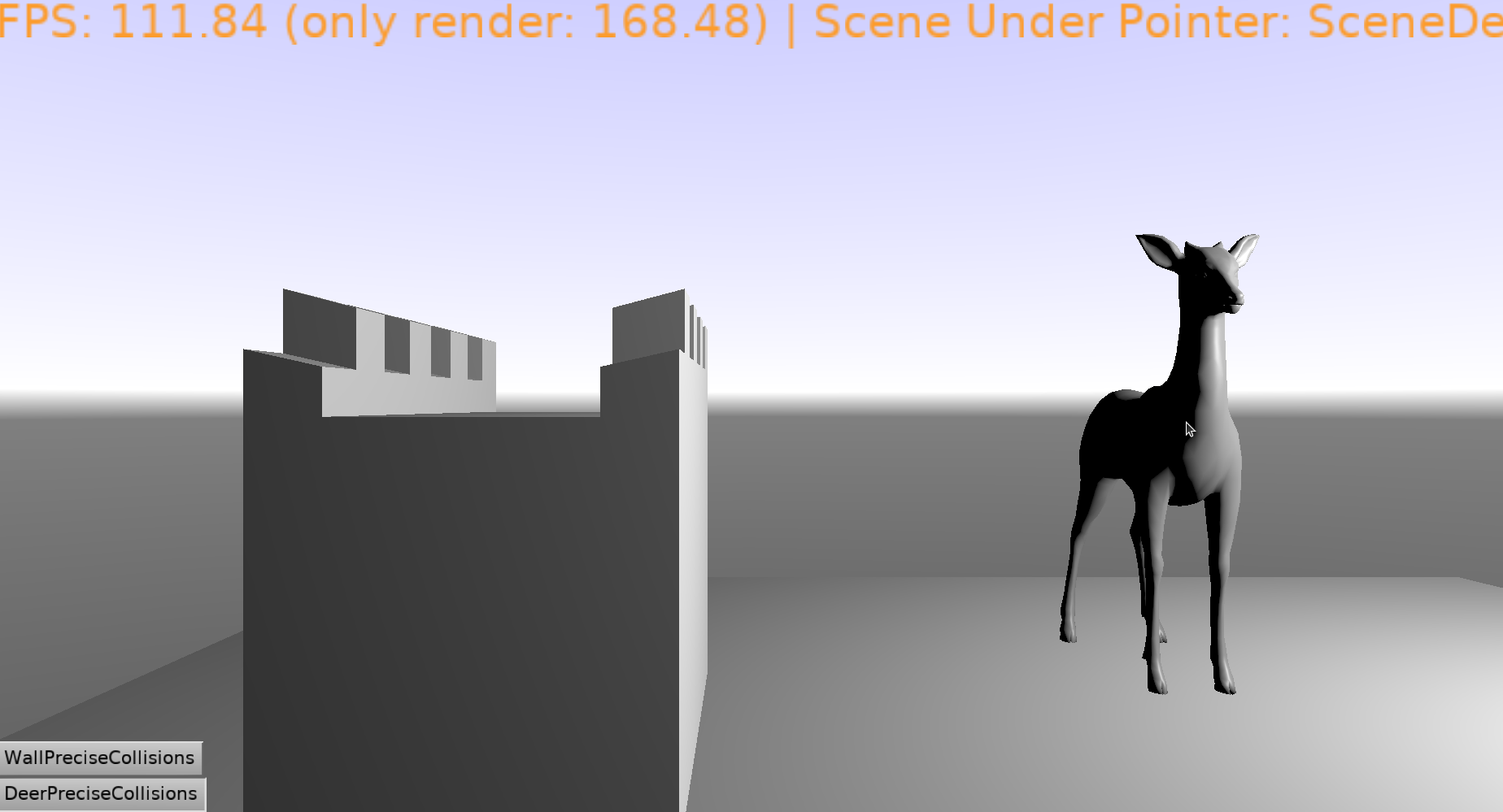
I tested this. See the Example from https://forum.castle-engine.io/t/issue-3d-complex-models-hittest/2084/4 modified to use precise collisions on skinned-animated deer · GitHub . It really just follows advises from glTF support page, I added TSkinNode.InternalFeatures.Shaders := false and SceneDeer1.RootNode.EnumerateNodes(TAbstractShapeNode... to TViewMain.Start. See the screenshots (with mouse cursor deliberately visible) below: the deer is now detected precisely and it will continue to be detected precisely even if you start animating it.
It seems the calculation of the final vertex position results in something weird. Like @DiggiDoggi says, it may be an error in the glTF model, though it is possible we could workaround it on CGE side.
To confirm the above, and workaround, I would have to see the reproduction though:)
Note that forcing non-GPU skinning by MyScene.RenderOptions.SkinnedAnimationShaders := false may already change the situation, as the vertexes are then calculated on CPU likely with more precision (we use Single on CPU). Maybe it will already hide the issue, if the problem was weights summing to something very-small-but-non-zero.
Our skinning implementation follows the glTF spec, see castle-engine/src/scene/glsl/source/skin_animation.vs at 83bdc7bbe9cc2ce017383d9e1b3abbf9e6f35c01 · castle-engine/castle-engine · GitHub . We don’t normalize weights as we should not need to. And we already workaround one case of weird all-zero weights (produced by an old Blender exporter) 
If you saw
Animating "weights" not supported
then this is about not supporting morph targets (which, I have in TODO, to answer you in this thread). This is unrelated to skinned animation (and lack of morph targets support should not cause something as weird). So this is probably not related to the error visible in @phomm screenshots here.