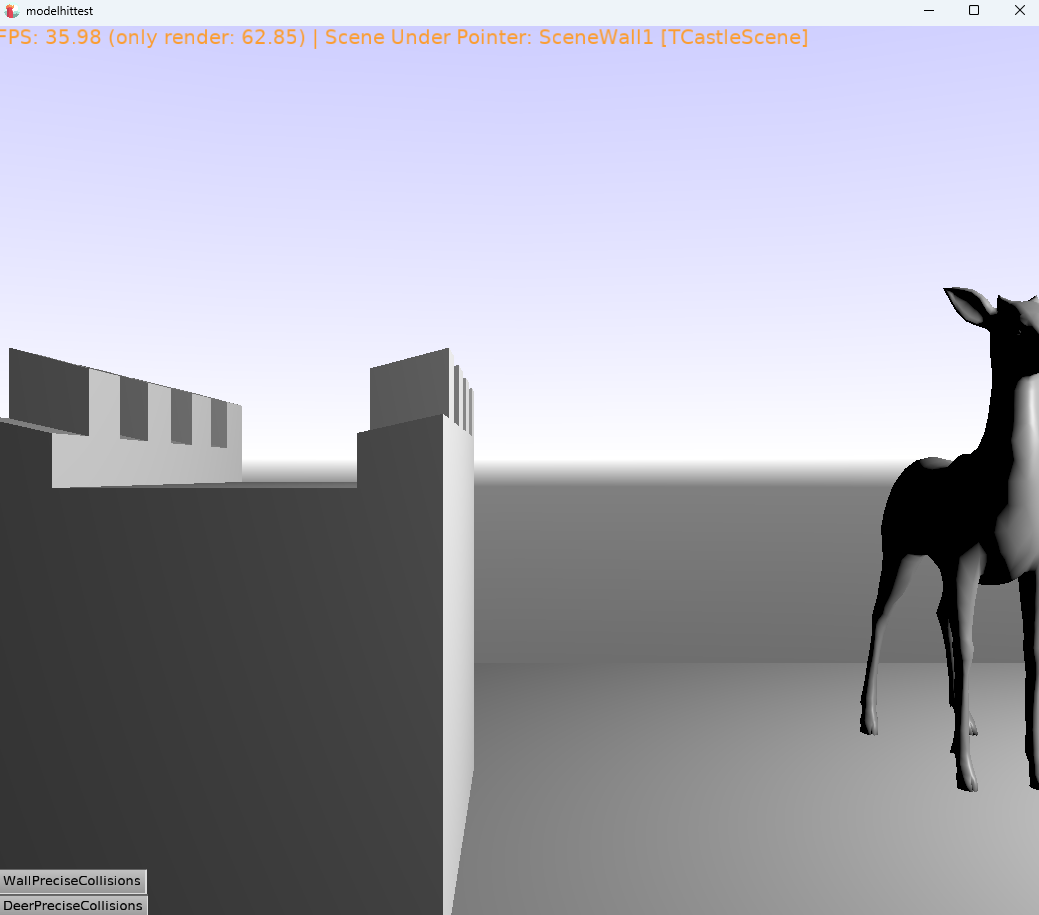
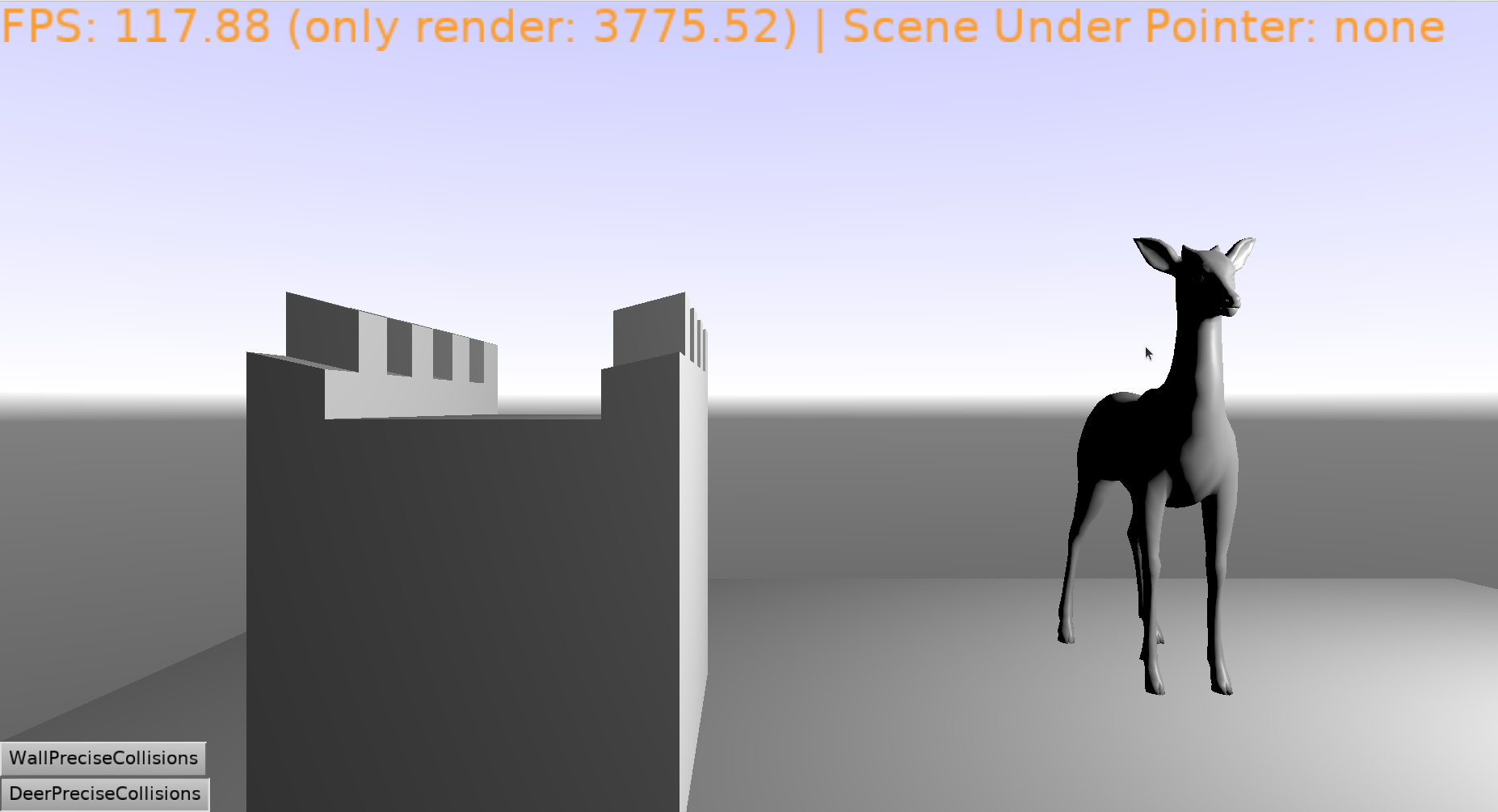
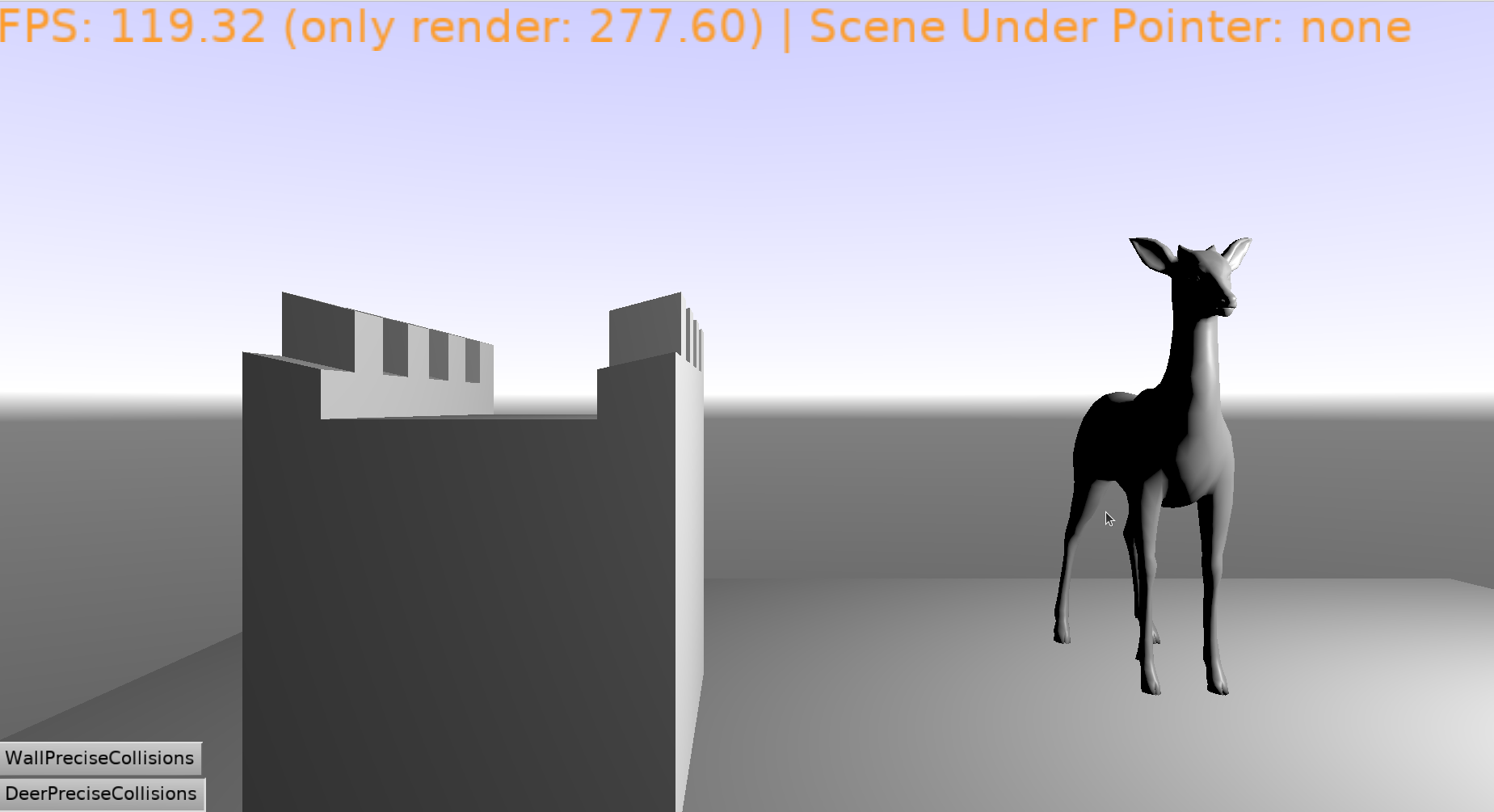
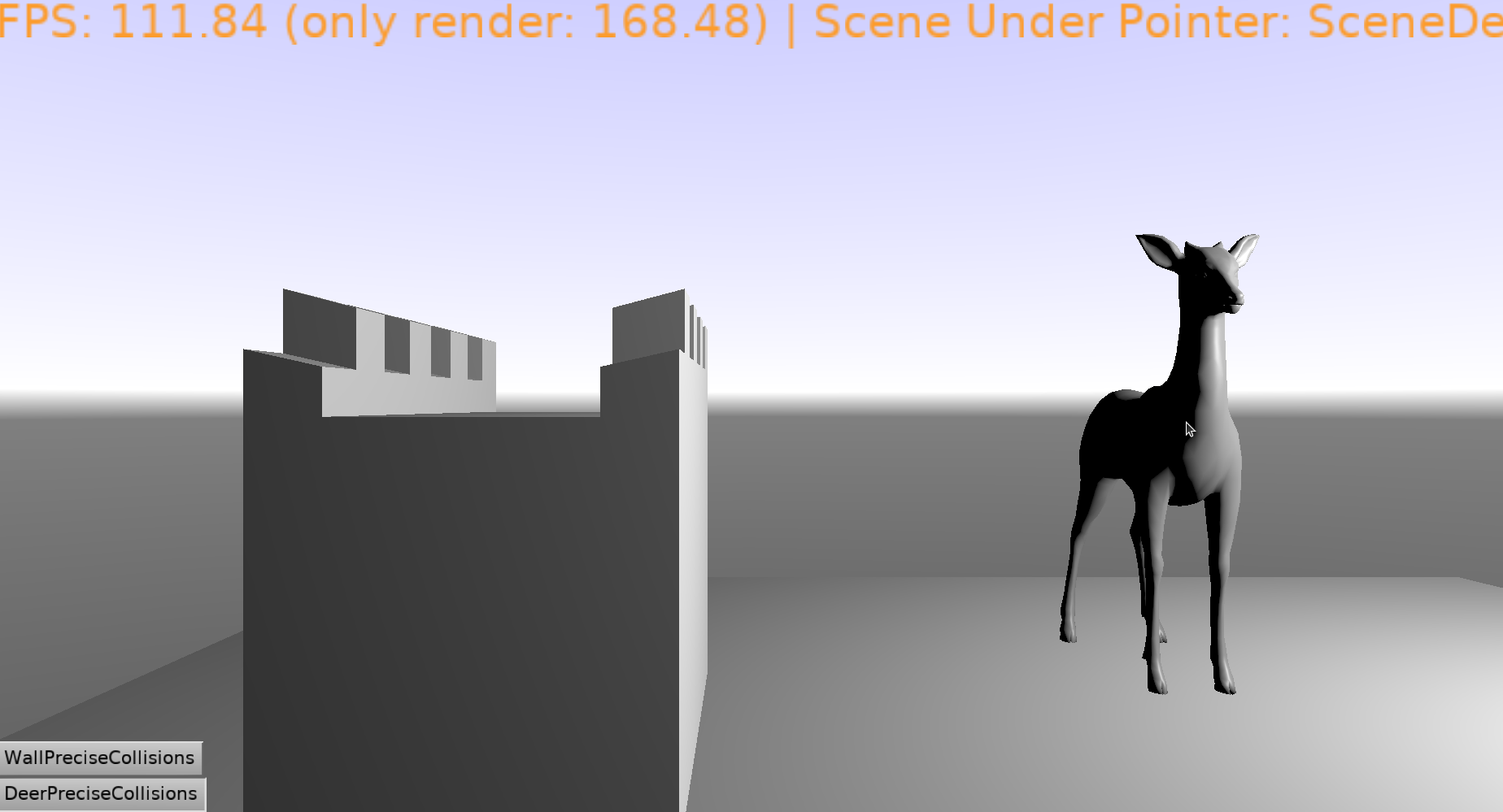
For simple models both standard TransformUnderMouse and the one I made based on the mentioned topic - work fine (once you enable precise collisions)
For complex models nothing works. I assume this is because of lots of nodes in the model (when trying to modify the “nodetree” like removing all the children from top node - hittest starts working)
So the question is, how to traverse the model, its triangles from Raycast, State of Triangle or something else, so that we are sure, that mouse is exactly hitting the pixels (and ofc skips transparent pixels) of the complex model or its sub-nodes/submeshes, and not the “space inside bounding box”.
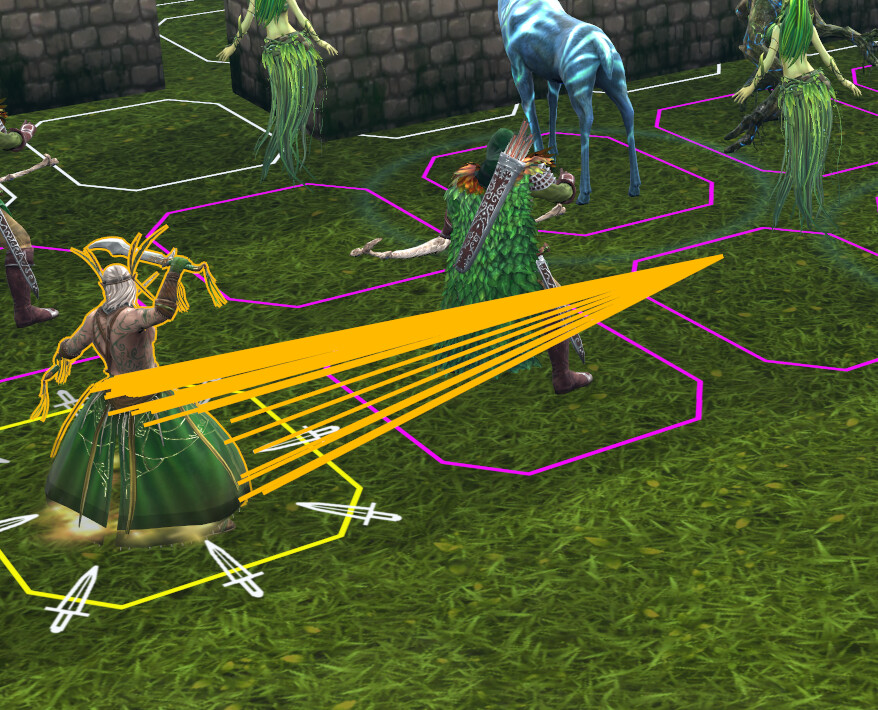
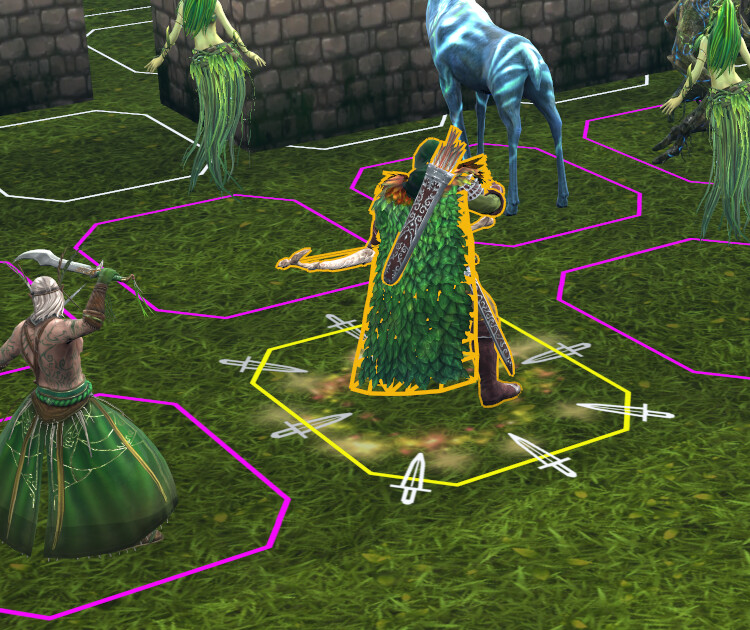
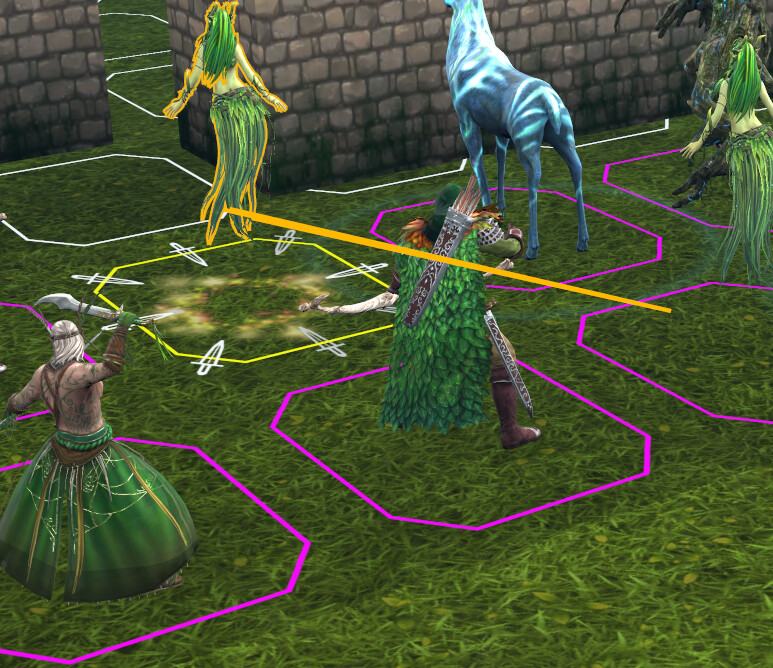
I did a small update to an example project while I was testing Silhouettes feature. I noticed a weird behavior in my game, where I temporarily use models from other game. It turns out that some of them produce this behavior while others don’t (but it is not random for sure, for example, archer and deer do not have it, while swordsman and dryad - do). When turning on the Silhouette mode I see some of them produce extra edges to the exact center of app window (the screenshot is cut unevenly, but it is clearly seen when you drag the scene around). I don’t know why is it so, and maybe need some advices how to nail it down.
I loaded same models (deer and dryad) into the test project and didn’t observe such behavior for dryad (my first assumption was that the models itself make such effect). And now I’m now sure if I’m able to reproduce it outside of the game. but anyway here is the updated archive with the project
The problem comes from skinning. Even if your model shows no animations in CGE, the armature (skeleton) is still there. I tested this: when I removed the skeleton and exported the model again without armature or animations, precise collisions worked correctly.
I also tested my own humanoid model. The head was detected too far away, and under the arms the hit was detected all the way down. This happens because CGE sees the original bind‑pose mesh, not the skinned mesh.
This is not a CGE bug. Many engines that use GPU skinning have the same limitation. The GPU‑deformed mesh cannot be used for CPU hit tests or physics ray casts.
A simple fix is switching to CPU skinning, but that is slower. Another quick workaround is exporting models without armature, but then you lose animations.
A good middle solution is using per‑bone colliders. With ExposeTransforms you can get the bones you need, attach simple colliders to them, and get reliable hit detection that follows the animation.
Although I couldn’t replicate it from your supplied models, I did it with some commercial models I had. It must be that some weights for skinned animation are wrong, so the calculated position goes to infinity - that explains the centre of the viewport. I got accompanying messages in the CGE editor’s log “Weights not supported”.
I understand the models came from another game, so my first question was: why didn’t the original developer spot the error. I think it may be because:
They don’t use silhouette,
The back face culling makes the triangles transparent,
They may normalize the input weights, or ignore wrong weighs, when they load the model
The errors from the model can be seen in CGE, because CGE just load & display (?). But again, it’s not CGE’s bug, but the model. However, it’ll be nice if CGE could ignore vertices that go into infinity by default.
Hello and sorry for being so late to investigate this!
I basically confirm @DiggiDoggi analysis but with some additional notes + links + proof how to deal with it:)
Indeed, the skinned animation is causing your headaches. It’s actually causing 2 problems here:
one problem is that the animated position is only known on GPU (after shaders processed the vertexes) when using skinned animation.
there is another headache: by default, on skinned animated shapes from glTF, we set TAbstractShapeNode.Collision = scBox. So even the “rest” position of the mesh is not taken into account – instead we use the bounding box (even if you set PreciseCollisions on scene to true! the TAbstractShapeNode.Collision is applied “deeper” in X3D on particular shape).
Both above things are solvable. We already had documentation how to deal with AD 2 in our glTF support page, somewhat buried inside section “Collisions when your glTF mesh uses skinned animation”. I extended and fixed this section now, so it tells you the whole solution. Basically, if you’re OK with the performance loss, you can:
toggle Collision to scDefault on all shapes
disable skinning on GPU by MyScene.RenderOptions.SkinnedAnimationShaders := false
and this is all in addition to setting MyScene.PreciseCollisions to true, which you already do.
The recommended solution, without performance loss, but also without getting that “per-pixel precision”, is just like @DiggiDoggi said: attach physical colliders to joints. I also documented it now clearly at that glTF support page, so all options are now hopefully better documented.
I know, it’s not optimal in your case: it means carefully designing physical colliders to match what you want to detect.
It seems the calculation of the final vertex position results in something weird. Like @DiggiDoggi says, it may be an error in the glTF model, though it is possible we could workaround it on CGE side.
To confirm the above, and workaround, I would have to see the reproduction though:)
Note that forcing non-GPU skinning by MyScene.RenderOptions.SkinnedAnimationShaders := false may already change the situation, as the vertexes are then calculated on CPU likely with more precision (we use Single on CPU). Maybe it will already hide the issue, if the problem was weights summing to something very-small-but-non-zero.
then this is about not supporting morph targets (which, I have in TODO, to answer you in this thread). This is unrelated to skinned animation (and lack of morph targets support should not cause something as weird). So this is probably not related to the error visible in @phomm screenshots here.
I will try everything you posted and compare the approaches. I understand there might be a trade off between precision and performance. I will likely post the outcome here when do the experiments.
But probably not in the short term, as I’m working on other parts as well
A small update to the above: I realized recommending TSkinNode.InternalFeatures.Shaders := false is super-dirty:) Do not use it anymore, it is internal and let’s keep it internal
Instead, I introduced now TCastleRenderOptions.SkinnedAnimationShaders. So to disable skinned animation on GPU, just toggle MyScene.RenderOptions.SkinnedAnimationShaders to false. You can do this from Pascal code or from editor, and it is per-scene.
I updated my yesterday post in this thread, and docs here, to talk about TCastleRenderOptions.SkinnedAnimationShaders.