I’m developing a top-down / RTS-style game in Castle Game Engine. I want the camera to automatically move (pan) when my player character approaches the edges of the viewport, similar to classic RTS games.
So far, I know how to move the player in the world, but I couldn’t find a built-in function or recommended approach to detect when the player is near the screen edges and move the camera smoothly.
Could you please advise on the best way to implement this? For example:
Should I convert the player’s world position to screen coordinates?
Or is there a frustum-based approach?
Any performance-friendly solution for multiple moving characters?
The most simple solution. You could simply decide how many tiles the player can move before the camera movement is required. It doesn’t have to be close to the edge. When player cross the threshold just change the camera position (X,Z) to the same as player.
Alternatively, you could have an invisible transform (an “observer”) that looks at the player, placed as a child of the camera. As the transform keep tracking the player, it changes its direction. You may decide than an angle of +/-30 degrees along X and Z axis, the camera should move.
Sorry for delayed answer. I’m very busy with some project.
To test it quickly I went the first route from my previous answer. Only “move to the right” is implemented here, and it’s recorded with standard Windows’ screen recorder.
In this example, inside Press function I just calculated the distance from Camera.Translation.X to the Box’s translation. When more than 500, I set (my own) variable “NeedCameraMove” to true.
Then in the Update I just do Camera1.Translation := Vector3(Camera1.Translation.X +Speed * SecondsPassed, …);
No math, no behaviors. I see no lag at all. If you experience a not-so-smooth movement, I guess it’s not related to the camera movement alone. Maybe it’d be better for your game if instead of moving all the way to the player’s position, you’d move just enough to keep the player visible. Less pixels to move inside the same timeframe.
Thank you for replying.
I think I’m having trouble because I have camera zoom and the camera is in Camera1.Orthographic mode.
I’ll try to fix it.
Thanks.
—————–update —————
I see. I’m currently calculating the edge in update, but I should calculate it in press.
I’ll get to it in a few hours and fix it.
The camera is a child of a transform. That transform has a rotation of 0 1 0 deg(45), and the camera itself also has a rotation of -1 0 0 deg(41). Because of this, the calculation is not correct.
Right now the function works correctly when the camera height is 10, but when the camera height changes it no longer works properly.
function TViewPlay.NeedToMoveCamera: Boolean;
var
  CamPos, PlayerPos: TVector3;
  HalfWidth, HalfHeight: Single;
  CamGroundZ: Single;
  DistLeft, DistRight, DistTop, DistBottom: Single;
begin
  Result := False;

  CamPos := ViewportPlay.Camera.Translation;
  PlayerPos := Player.Translation;

  HalfHeight := ViewportPlay.Camera.Orthographic.Height / 2;
  HalfWidth := HalfHeight * ViewportPlay.EffectiveWidth / ViewportPlay.EffectiveHeight;

  // position of the center of the view on the ground
  CamGroundZ := CamPos.Z - CamPos.Y;

  // distance of the player from the edges
  Result := Int(HalfWidth - Abs(PlayerPos.X)) < 3;
  Result := Int(HalfHeight - Abs(PlayerPos.Z)) < 3;
end;
I changed the function like this, and it seems to work correctly now.
function TViewPlay.NeedToMoveCamera: Boolean;
var
  PlayerPos: TVector3;
  PlayerInCamera: TVector3;

  HalfWidth, HalfHeight: Single;
  Margin: Single;
begin
  Result := False;

  PlayerPos := Player.WorldTranslation;

  { convert the player position to camera coordinates }
  PlayerInCamera :=
    ViewportPlay.Camera.WorldToLocal(PlayerPos);

  HalfHeight := ViewportPlay.Camera.Orthographic.Height / 2;
  HalfWidth  := HalfHeight *
                ViewportPlay.EffectiveWidth /
                ViewportPlay.EffectiveHeight;

  Margin := 2.0;

  if Abs(PlayerInCamera.X) > (HalfWidth - Margin) then
    Result := True;

  if Abs(PlayerInCamera.Y) > (HalfHeight - Margin) then
    Result := True;
end;
For better results, this function is checked when the character stops moving, and then the camera moves in the Update method.
* - However, the purpose of my question was that I thought there might already be a built-in function for this.
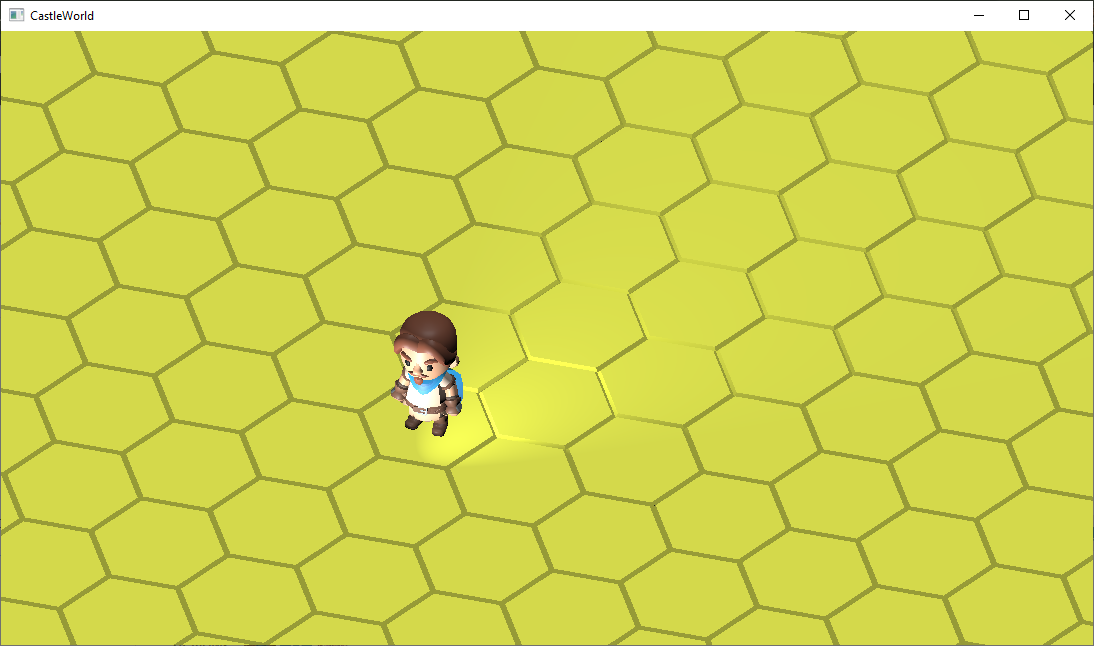
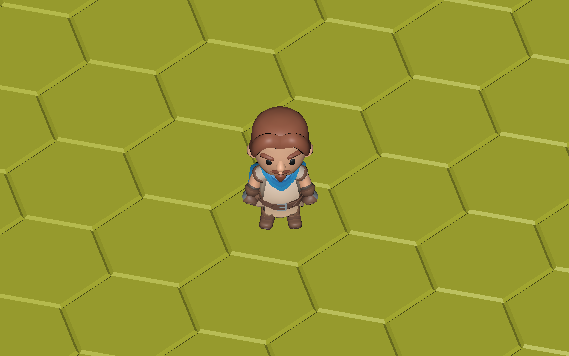
I’m not satisfied with the ambient lighting, and I also don’t need shadows, but I couldn’t create uniform lighting. I used three light sources. The lighting can be seen in the video in the previous post.
I disabled all the lights and tried to create uniform lighting using this command:
RenderContext.GlobalAmbient does not work with PBR material. If you want to use it you have to either
Force Phong shading by settingGltfForcePhongMaterialsto true (global variable in CastleLoadGltf unit)
Or export your models with Phong material.
Another option without having to resort to multiple light sources or Phong material would be to write a piece of fragment shader to modify the outcome color.
Edit: In case you don’t want any of the options above, then you can use 2 directional light sources (one bright, the other dim and is on the opposite direction) to simulate ambient.
On the plane, the light has an effect when the DirectionalLight is enabled, but it does not affect the character.I used a TCastleSpotLight to illuminate the character.