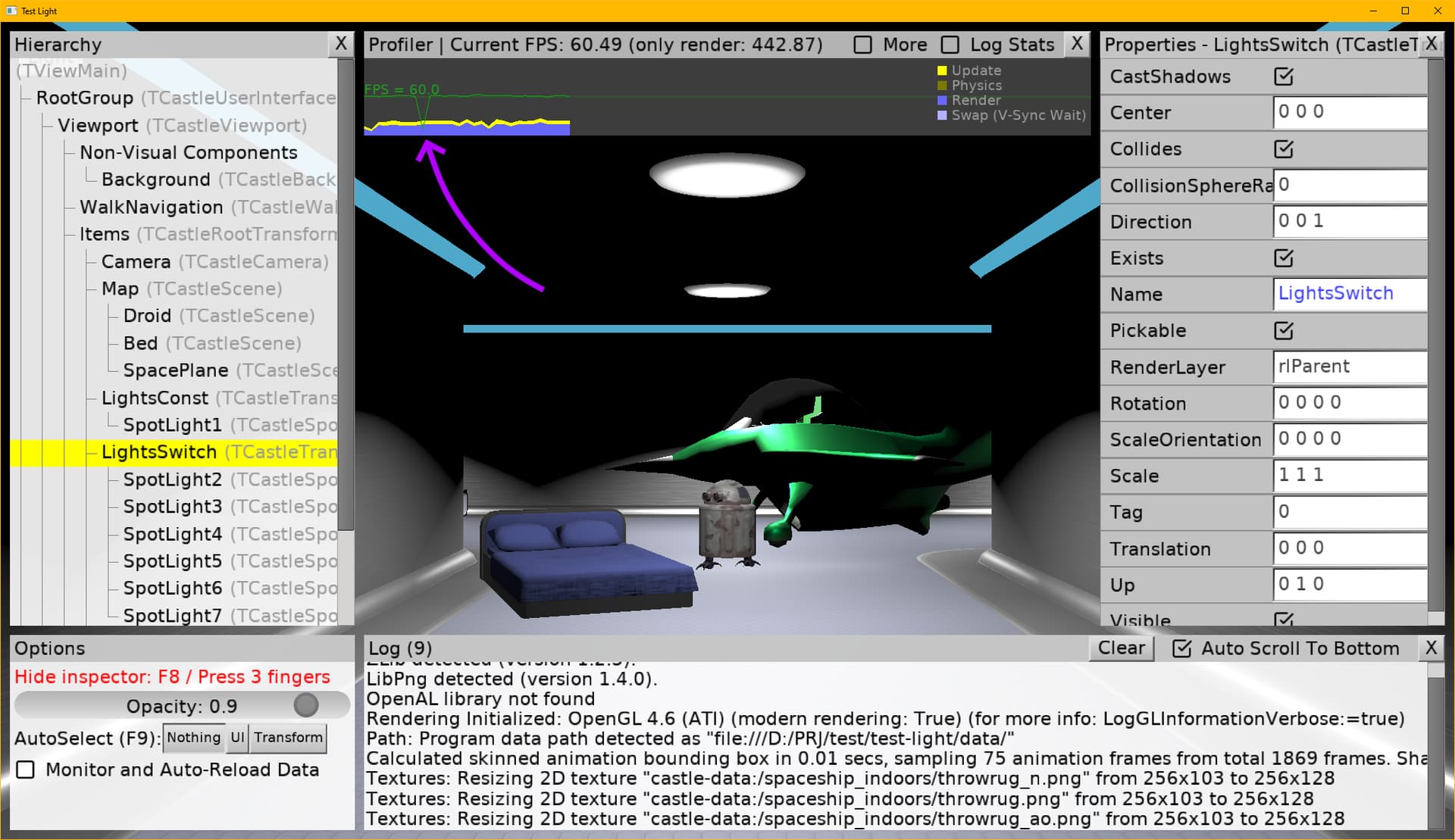
Hello everyone!
Today I’d like to talk about a issue with light sources.
I make a test that demonstrated frame rate drops when the light source is turned on. This happen only occurs once. Even when relaunching the game, the issue may not reoccur. To reproduce this issue, you need to rename the game’s executable file. Apparently, something is being cached in the video driver or somewhere else in the system.
The test was run only in Windows 10.
PS: I think this is exactly the problem that occurred in my game. The same issue occurs when a character enters the range of a new light source.
test-light.zip (6.5 MB)
1 Like
Thank you!
I think I know where the issue is – we prepare shaders for specific light configuration (on/off) and then we need to rebuild + compile new shaders when the on / off state changes (to a state that isn’t in cache at all). This usually isn’t a noticeable issue, due to various things (shaders are reused across shapes, so if any shape has a useful light config → the shaders would be ready; and/or in simple testcases, shader rebuild isn’t noticeable).
I have this on TODO list and will think how to solve. At the very least, simplest and non-invasive idea, would be to add a light flag like Dynamic and we would prepare shaders for all on/off combinations of all lights marked as dynamic.
I want to point out that the exact same effect occurs when any complex object enters into range of a light source. In my case, the character is a very complex object.
For example, in the spaceship corridor, as in this test, the light sources have a short range. As the character walks through the corridor, they are affected by a whole chain of light sources, which significantly slows down gameplay. Although, as I’ve already discovered, in such small location, the problem can be solved by increasing the range of all sources, say, to 150.
1 Like