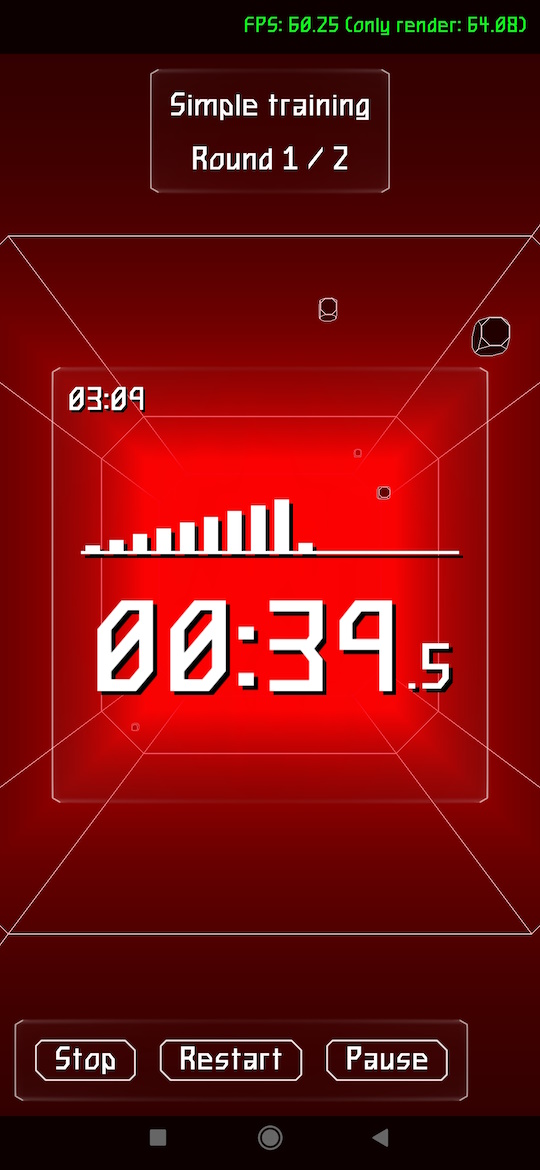
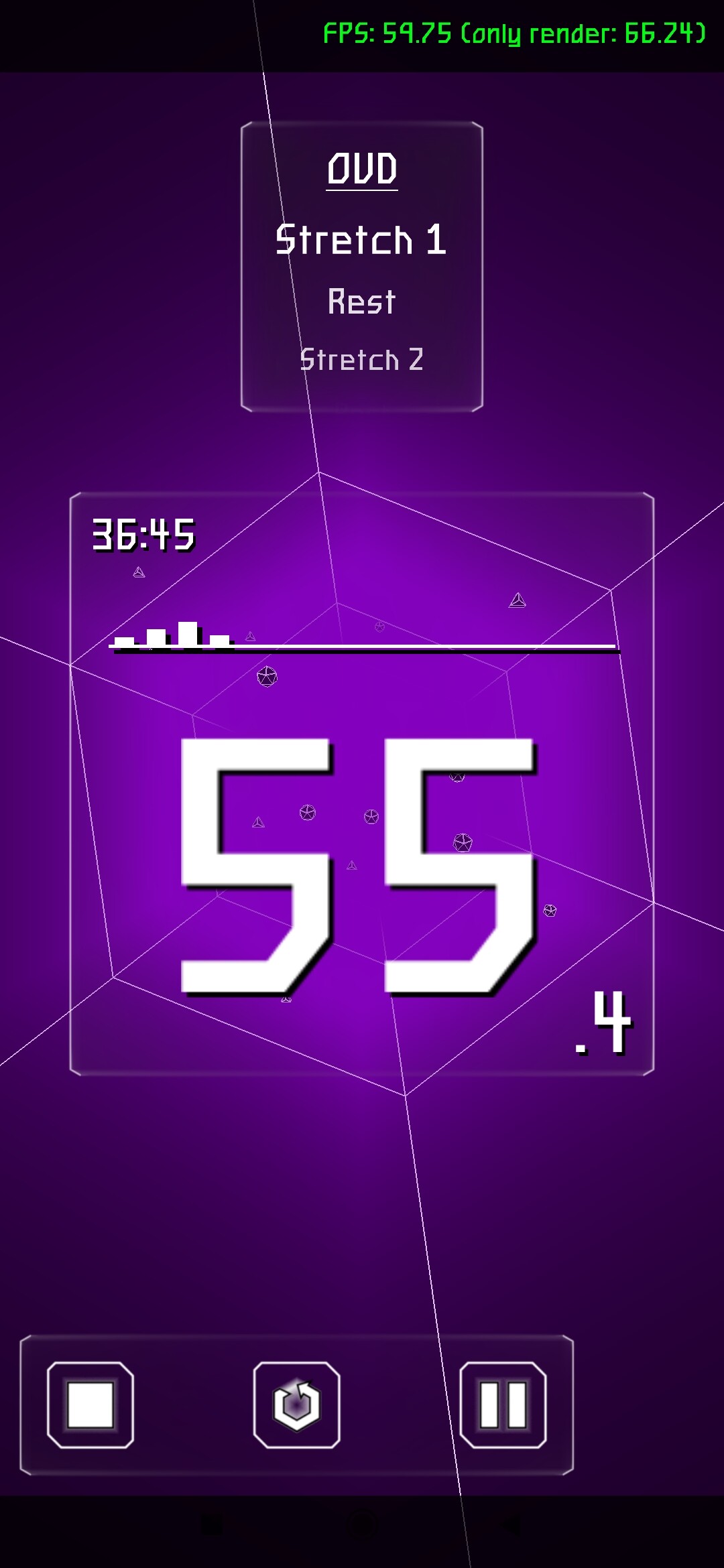
Well, I don’t even know why, but I really wanted to make this project.
It’s a timer for different periods of training like as boxing, swimming, or anything else.
Supported platforms: Windows and Android.
Here is on itch.io and GitHub
PS: The Pro version is planned, where it will be possible to create completely custom periods.
4 Likes
I think the FPS should be limited to 30 to reduce battery drain for these kind of app.
1 Like
Thanks for the tip  . I’ve added it to my todo list.
Hints how to limit FPS to 30:
-
On desktops (Windows, Linux etc.) you can just set Application.LimitFps to 30.
-
On Android, Application.LimitFps doesn’t do it. (right now, Application.LimitFps has an effect on one piece of message processing on Android, but frankly I’m not sure is this correct and I added to TODO to review/remove it).)
Instead, on Android, the system will effectively limit our FPS (to 60 on most devices) by just forcing our redraw to wait if it’s too fast.
Quickly searching how you could tell Android “limit us to 30 FPS”, it seems newer Android SDK/NDK have APIs to control target FPS, see
If this works, I would be happy to accept PR to our engine, to allow developers to use this. Possibly, Application.LimitFps on Android should just result in calling ANativeWindow_setFrameRate with proper value. This way doing Application.LimitFps := 30 would work cross-platform, on at least desktops and Android.
1 Like
I started looking into this FPS setting. But I ran into a problem: I don’t know how to get an existing Surface object in the app. This surface is needed for either setFrameRate(), ANativeWindow_setFrameRate(), or others.
Can anyone give me some advice on this?
You indeed need ANativeWindow * (in C, https://developer.android.com/ndk/reference/group/a-native-window#anativewindow_setframerate ) which is PANativeWindow in Pascal.
The necessary value is kept inside TCastleWindow private field:
- When using Android, we use
CASTLE_WINDOW_ANDROID backend (see about TCastleWindow backends ) .
- In effect, the code inside
src/window/castlewindow_android.inc is active.
- This code declares
NativeWindow: EGLNativeWindowType; in a private section of TCastleWindow.
- To use it, you could add code to
TCastleApplication.ProcessMessage in that file to observe value of ApplicationProperties.LimitFps and if it changed, call ANativeWindow_setFrameRate. Inside that code, you will have access to NativeWindow private field.
1 Like
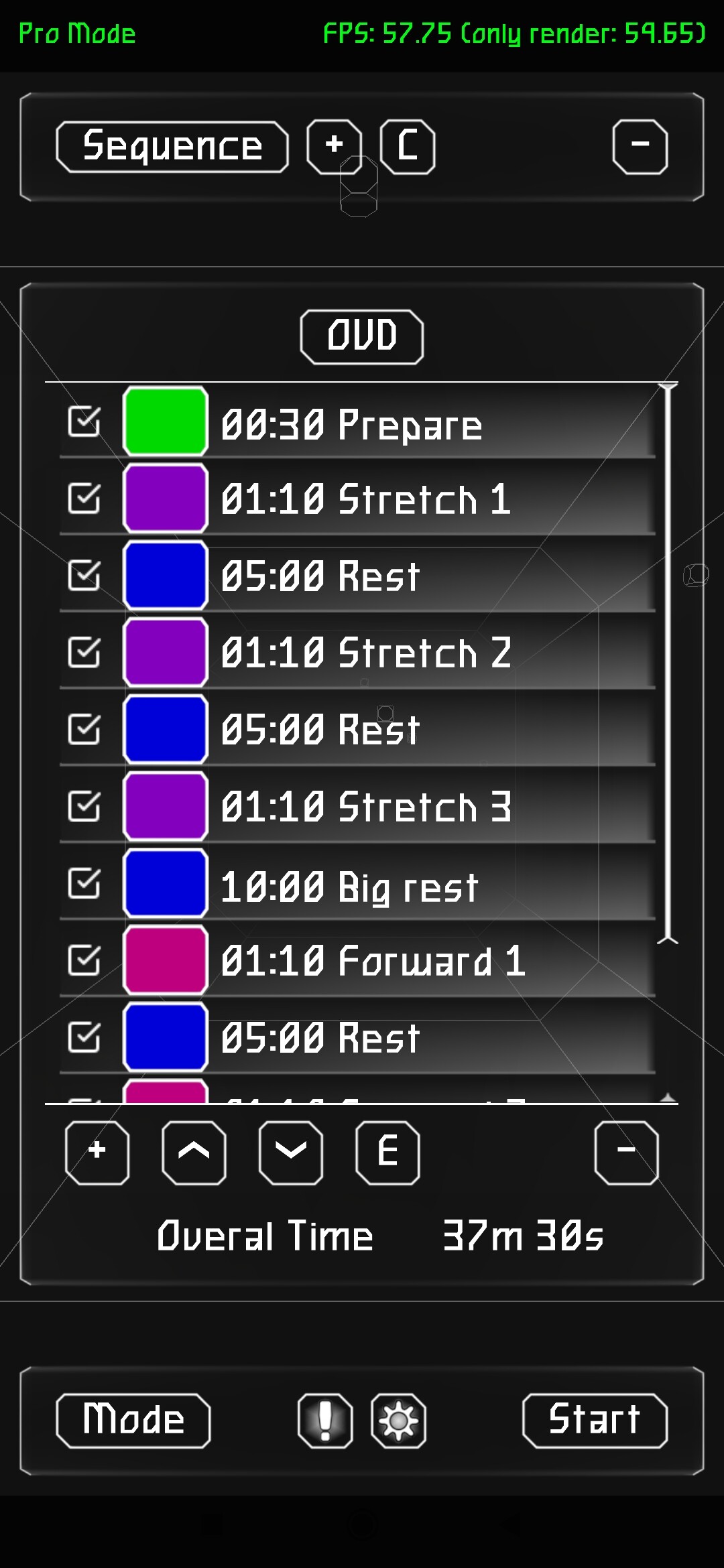
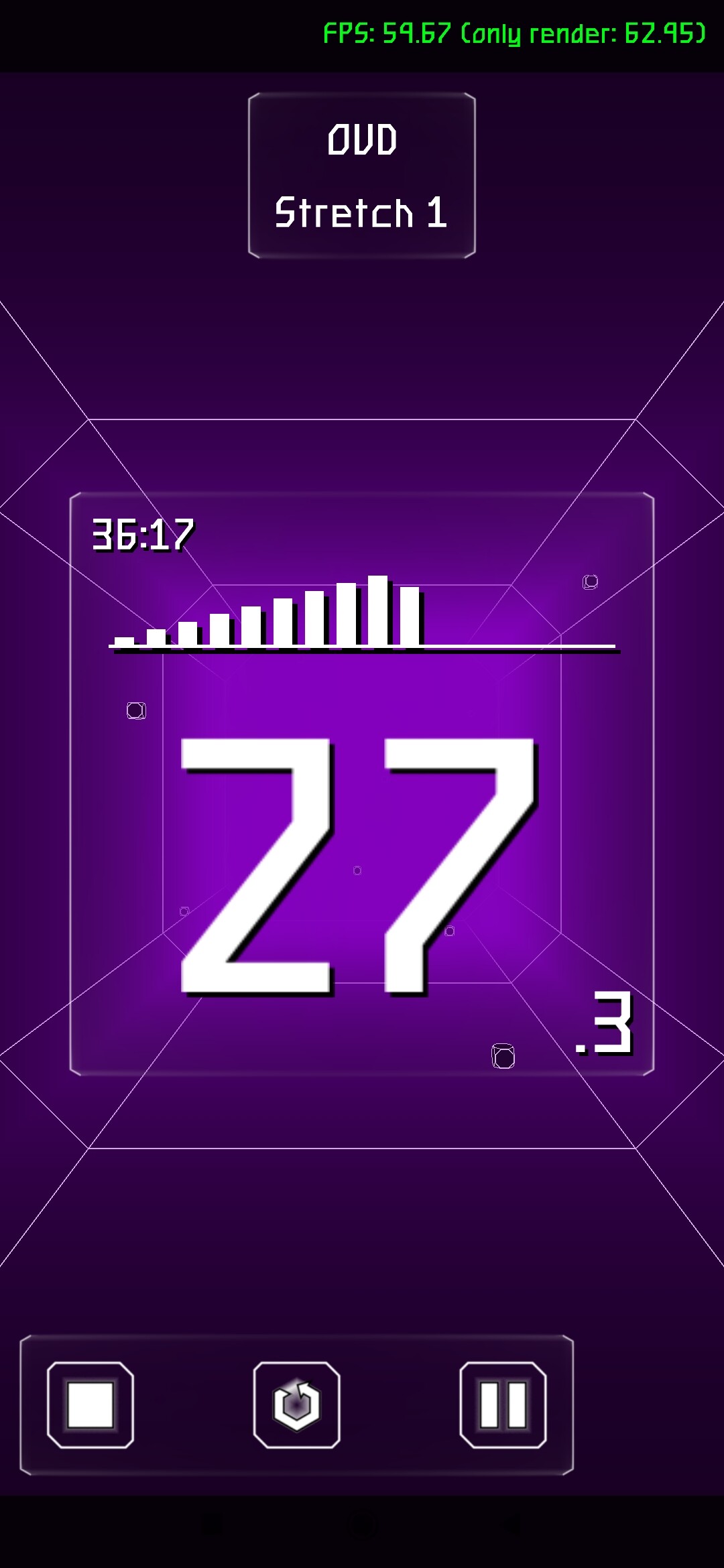
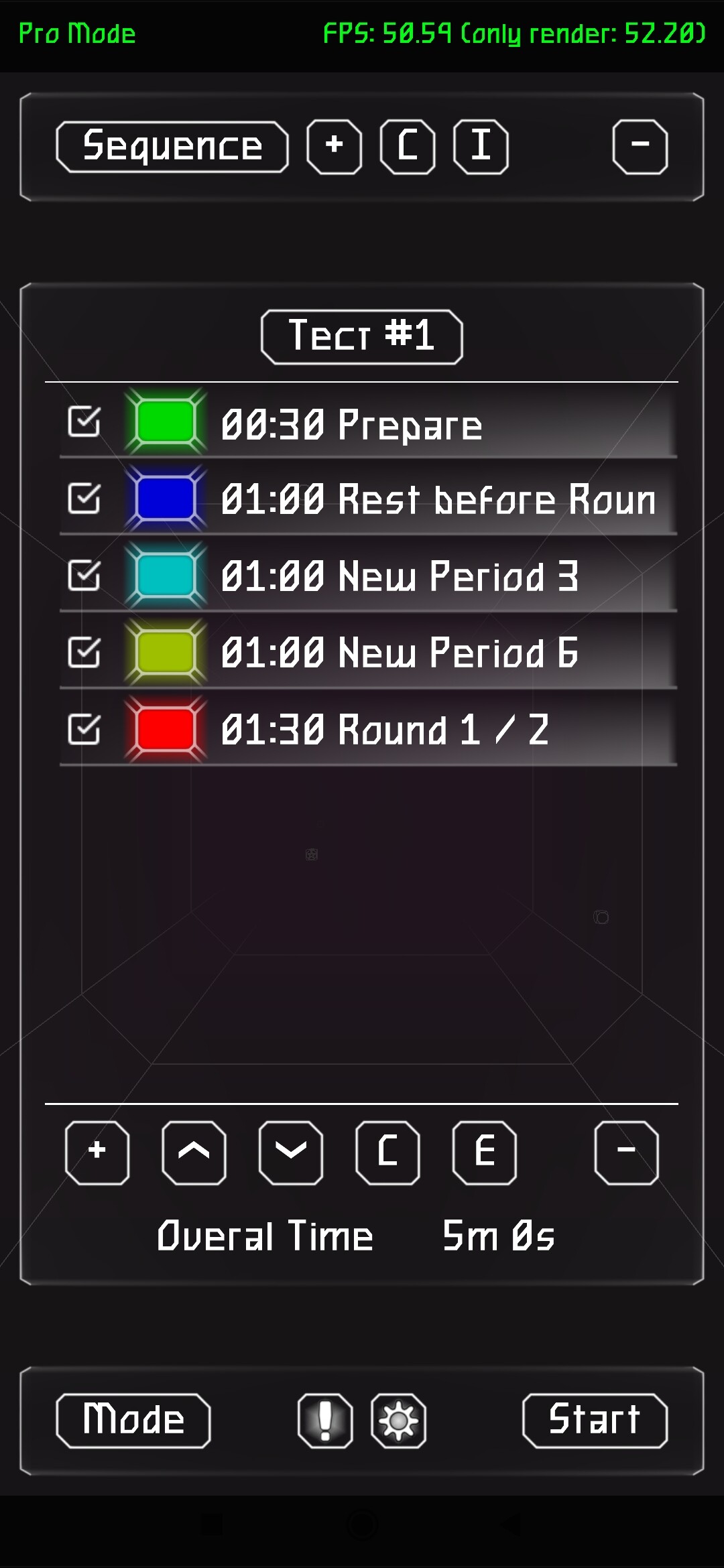
The long-awaited pro version is finally here!
Now you can create any time periods with custom sound and color signals.
Whats new:
-
Professional mode has been added;
-
Added sound effects to the user interface;
-
Improved counter visuals;
-
Bug fixes and refactoring.
PS: making FPS reduction is still in progress…
3 Likes