I had not used the editor for a while, but now when I click on a scene name in the list, the square, green and red arrows appear, but they just disappear when I click on them to try to move the scene. In the past it worked fine.
I have the latest update of CGE, so what could be wrong?
Hm, that’s weird – the “gizmos” to move / rotate / scale work for me OK, with the latest engine. And we didn’t really have a significant change to their logic lately (I recall I changed their toolbar icons in “dark mode” in September, but this seems unrelated to the issue you describe). Let’s investigate, as I definitely want to fix it:)
-
Can you record a movie, so that I can see what exactly is going on?
-
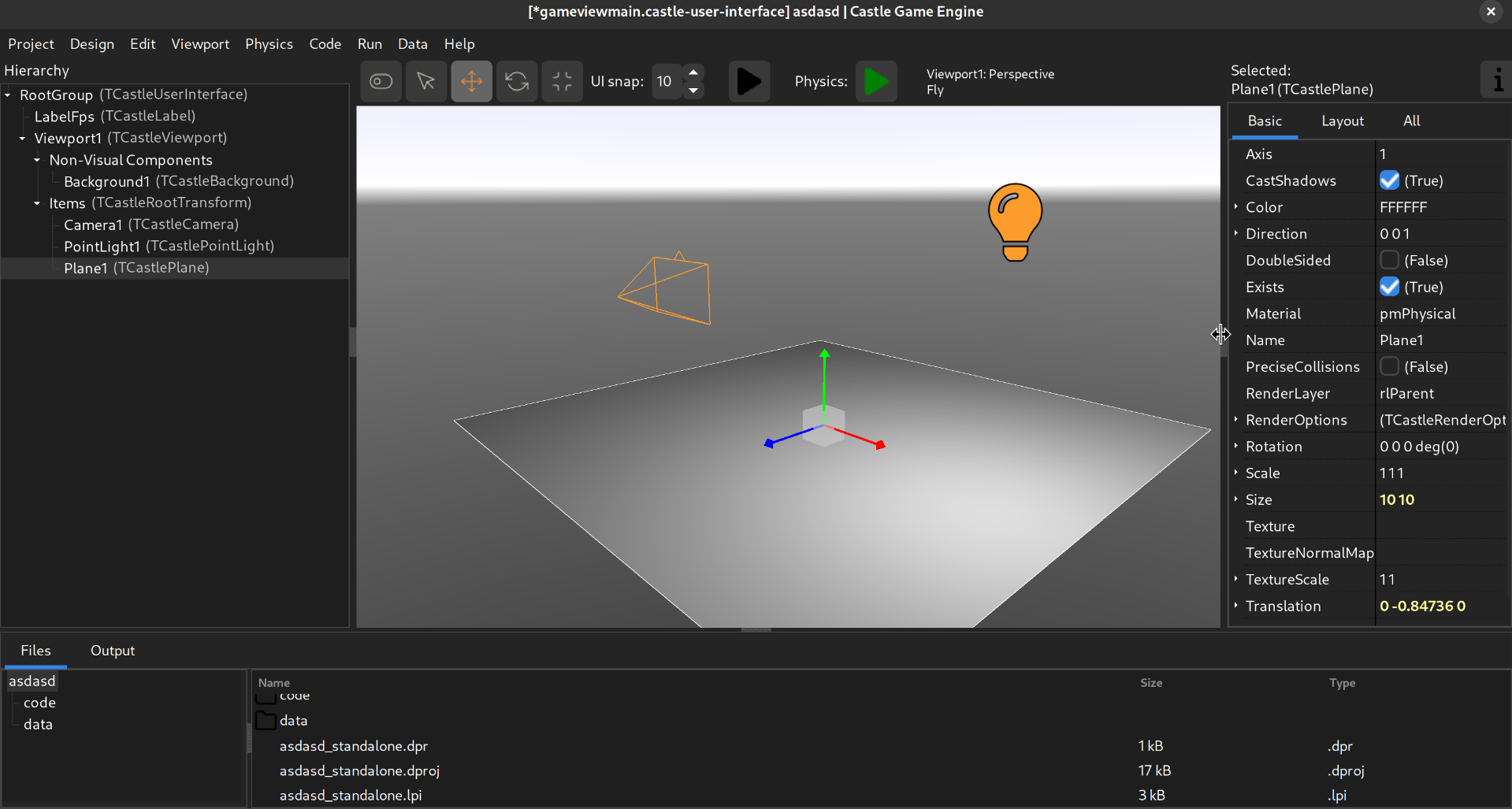
Can you check the problem is reproducible with the simplest project, e.g. “New Project”, add “Viewport (3D)”, and move the Plane1? If not, then maybe there’s something specific in your project – please attach it (maybe a minimal version of it, maybe only a design with minimal components that still shows the problem).
-
I understand this happens on Windows (from past messages, I recall you used Windows), with latest engine from our downloads.
(solved).
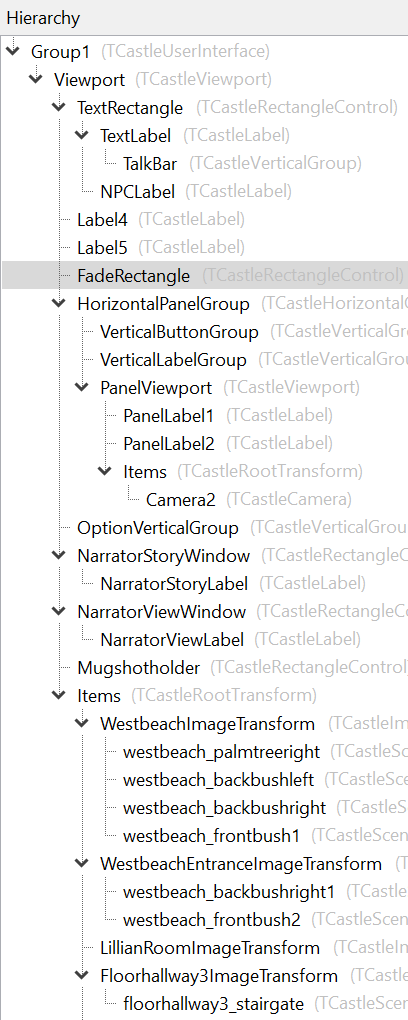
I noticed every time I clicked on a scene on the background transform that the grey bar in the hierarchy jumped to FadeRectangle (Rectanglecontrol). When I removed this rectangle I could move the scenes again.
Then I took notice of the properties of the rectangle; it was checked as “Fullsize”. When I unchecked this to “False” I could move the scenes again. So this caused the problem.
You will probably can explain this. 
1 Like
Ah yes – the full-size control is in front of the viewport, so it obscures it.
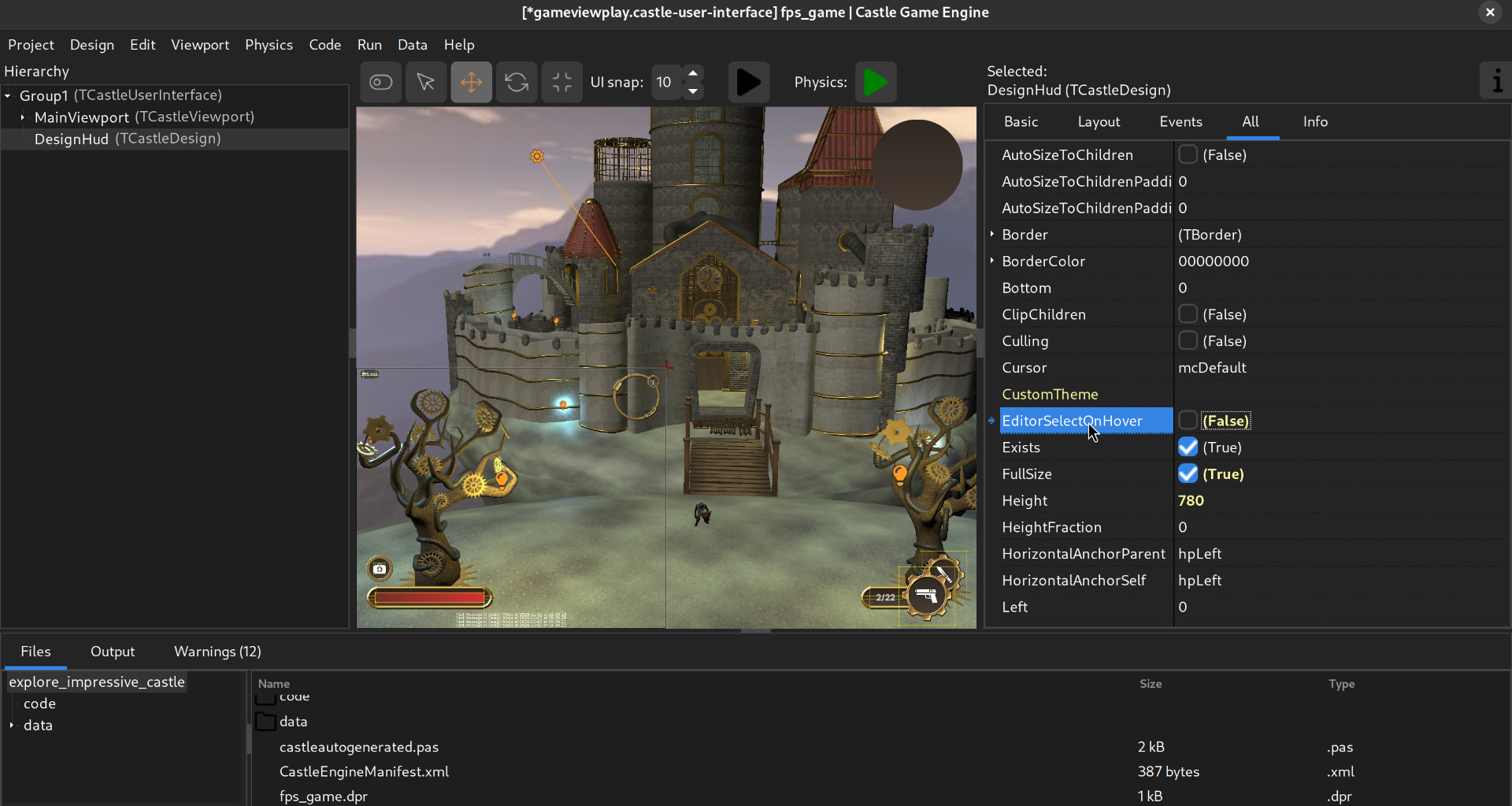
If the clicks / drags in game are registered OK, and this is only problematic as design-time (in the editor) you can workaround it also by setting EditorSelectOnHover checkbox (in the “All” tab, of the FadeRectangle) to false.
This is how our demo examples/3d_games/explore_impressive_castle/ solves it – we have there HUD, that actually doesn’t capture any clicks at runtime, but it is full-size and so was preventing from selecting stuff in the viewport:
2 Likes