Admittedly I never saw the error ...Makefile not found. . I don’t have a specific answer to this error, I would need to see more logs before it / investigate your system. Some guesses / things to check:
-
What is in
d:\fpc 3.3.1\fpcsrc? Is there a file calledMakefile? -
Hm, is it possible that spaces in dir name just confuse some tool along the way? Try
d:\fpc_3.1.1. (And if this helps → a bugreport to FpcUpDeluxe, to complain about spaces in directory name in a clear way, would help future people ).
). -
Or possibly there was some temporary GitLab (where FPC sources are) issue, and
git clonefailed to get FPC sources? In this case, just retry. -
Or some issue on your system, like anti-virus interfering with FpcUpDeluxe execution or not enough disk space?
To answer your questions about versions:
-
We recommend always the latest FpcUpDeluxe version, from Releases · LongDirtyAnimAlf/fpcupdeluxe · GitHub . Often, a few older FpcUpDeluxe versions work too, but we don’t actively test them, and sometimes they have issues. We always test the latest version (and if it has problems, we’ll document them on Web Target | Manual | Castle Game Engine ; the latest one should be cool
). -
The FPC version you need for the web platform specifically is 3.3.1, aka “trunk” (as FPC 3.2.2 doesn’t support web now). It’s easiest to use the “WA” (WebAssembly) button in FpcUpDeluxe, it will automatically select 3.3.1 / trunk, so you can just
- select target directory,
- click “WA”,
- wait,
- and it does almost everything correctly.
The details are in our " 4.1. Installing Prerequisites" section on Web Target | Manual | Castle Game Engine , see in particular " 4.1.1. Prerequisites using fpcupdeluxe “WA” (WebAssembly) button". Please read them – once FpcUpDeluxe finishes, you will need to remove one unnecessary
pas2js.exewithout config, point our editor to the right FPC version, and extend your$PATH. But this seems all unrelated to the error...Makefile not found.that (I guess) happens much earlier.
I have just tested it, I’m on Windows now, so I used fpcupdeluxe-x86_64-win64.exe from the latest “Release v2.4.0k of fpcupdeluxe” and it seems everything went well (well, almost, read on ).
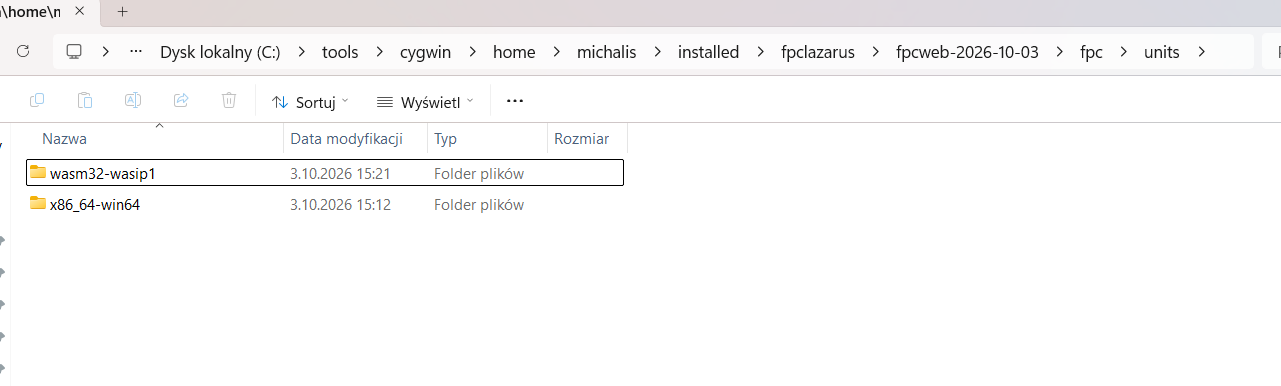
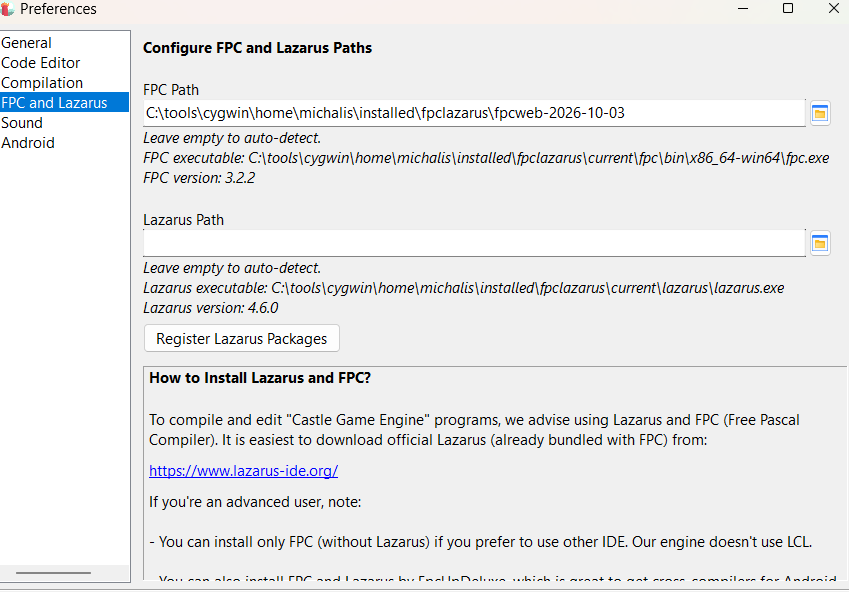
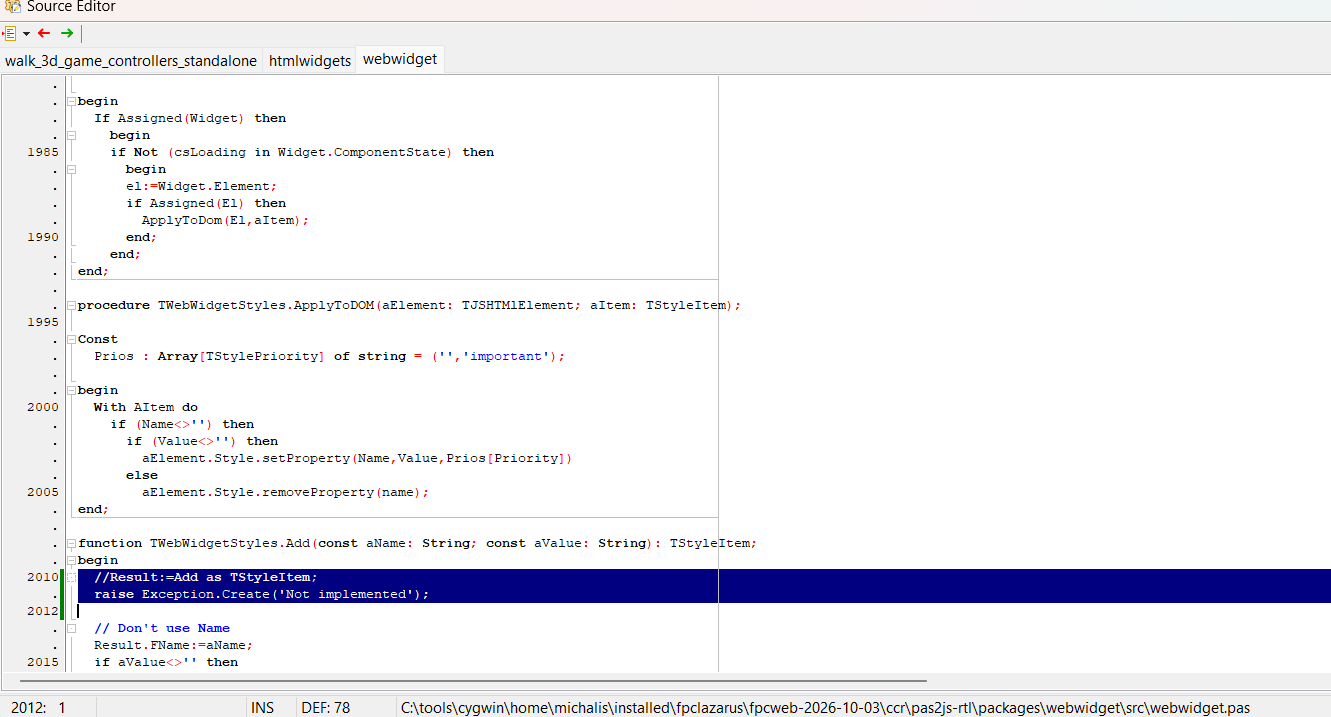
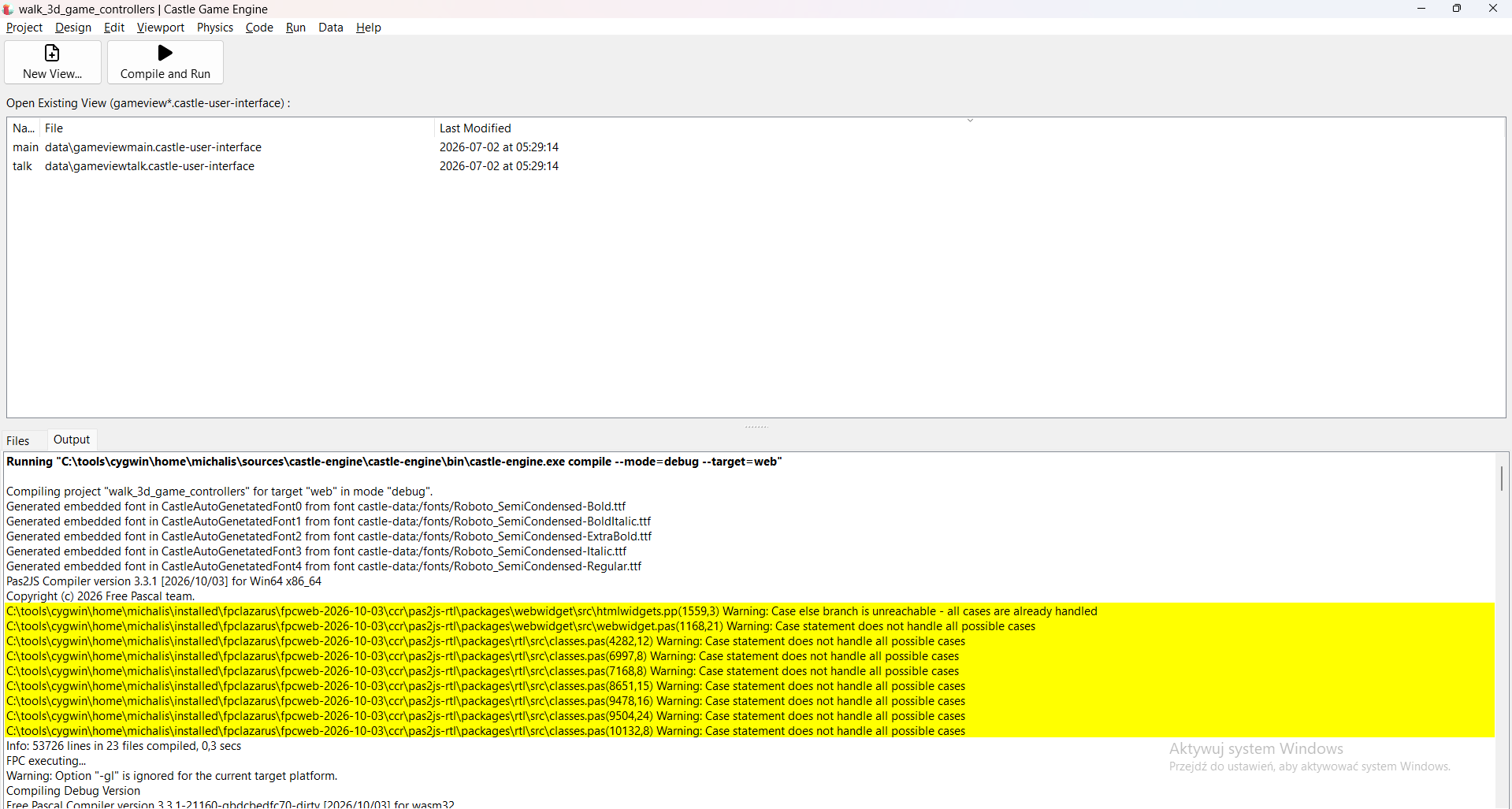
I did encounter one problem, which seems to be a temporary problem in pas2js codebase: it uses 3 times Pascal construction Result:=Add as ...;, which fails to compile today. Just comment out the problematic lines, or replace with raise Exception.Create('Not implemented'); (when trying to build your game from CGE editor, double click on the error line to open the pas2js source code). We don’t use these code parts. If the problem will persist, we’ll of course report to pas2js – it seems just some temporary problem on their side.
See screenshots below for how I fixed them, you will need to repeat this hack 3 times:
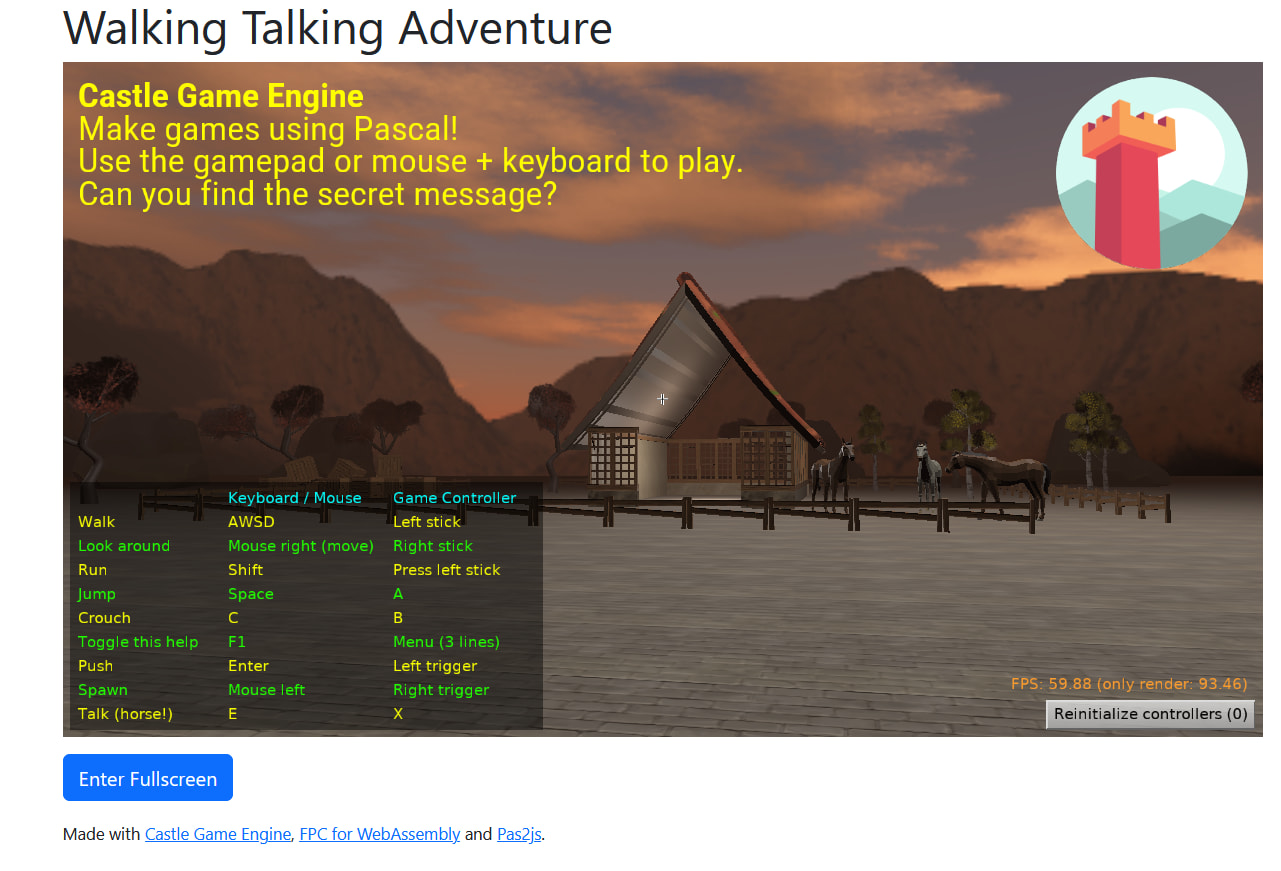
After this, web version of any of our examples (I used examples/3d_games/walking_adventure today) should build and rock:)
Running in Firefox:
If the problem with ...Makefile not found. persists, I propose you isolate it (experiment, can you install any FPC version on this system now, with this FpcUpDeluxe?), provide verbose logs. You can also submit FpcUpDeluxe bug (but I don’t mind also trying to debug the issue here, on CGE forum – as much as I will be able help ).