Ack, I will bump it on my TODO list. We must have savegames to call “web target” in any way complete:)
Ack. Added to the TODO list – I admittedly didn’t think about it before. It may be a bit painful to implement :), we may need to invent a hidden textfield (<input type="text"...>) on the page and communicate with it.
Few years ago, we experimented with Unity web games in our Cat-astrophe Games company, and I remember Unity also required hacks to make textfields on web working – and these hacks were coming down to “one needs a hidden text field on a page for this, and synchronize with it”. But then, maybe modern browsers expose something better for this, I’ll research.
Agreed, distinguishing “this is web build running on a mobile device” (as opposed to “this is web build running on a desktopk device”) would be useful. Our Unholy Society on web demo also suffers from this lack: right now, the “web” build shows mostly desktop UI, but when you run it on a mobile device – it should actually show mobile UI (because e.g. user cannot easily use Escape key to pause the game on mobile, so we should show a button on screen to pause the game).
By chance, I noticed a useful advise how to possibly detect it on MDN page about browser detection. I was reading it this week to learn “how to detect Firefox vs Google Chrome” but actually the page very convincingly discourages it, saying to rather detect features. In particular, relating to your feature, it seems we could use:
if (navigator.maxTouchPoints > 1) {
  // browser supports multi-touch
}
to detect mobile devices (from JS, but thanks to FPC Job.Js unit we can access this API from Pascal as well). I think I will expose it using our existing ApplicationProperties.TouchDevice – it is right now always false on web and determined at compile-time, but I think this is a good use-case to make it detected at run-time on web.
Yes, this is documented on our web page and I should finally report it to to FPC devs. See there for TODO:
Reproduce with clean sample and submit to FPC:
Running on mobile requires now hacking pas2js, in pas2js/packages/job/src/job_browser.pp, find and comment out RegisterGlobalObject(caches,'caches');. Otherwise both Firefox and Chrome on Android fail with ReferenceError: caches is not defined.
IOW, you should hack pas2js/packages/job/src/job_browser.pp (no need to rebuild FPC or pas2js, just rebuild the CGE game once job_browser.pp is modified) to work without issues on web+mobile.
I want to add at the end:
As before and as always, I’m very grateful for this feedback! Let’s make Castle Game Engine the best game engine for the web!
FYI what I’m working now around web:
- some things I recently did for web but not yet announced: FBO, water shaders, shadow maps, alpha treatment.
- I work right now (in-progress work on a branch) on proper “mouse look” (“pointer lock”) on web.
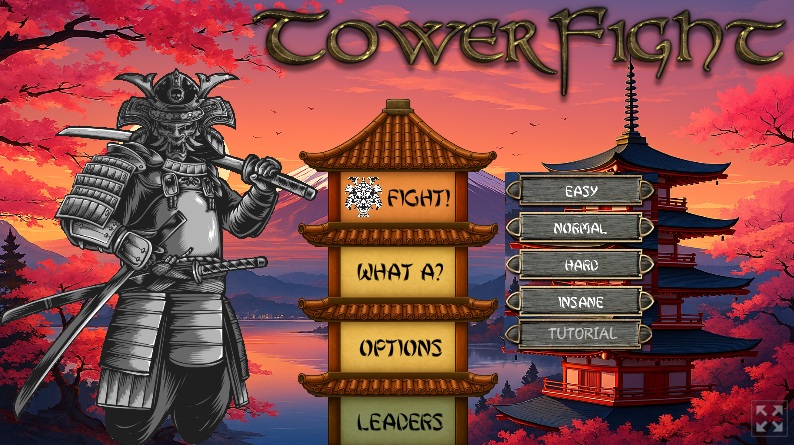
 (I should have also mention them, but focused on illustrative example of that flag)