# Suggestions for adding ImageButton components
**URL:** https://forum.castle-engine.io/t/suggestions-for-adding-imagebutton-components/734
**Category:** Uncategorized
**Created:** [January 31, 2023, 11:16am UTC](https://forum.castle-engine.io/t/suggestions-for-adding-imagebutton-components/734 "2023-01-31T11:16:52Z")
**Posts on this page:** 3
**Page:** 1
### Author:  [@soastao](https://forum.castle-engine.io/u/soastao)
#### Post date: [January 31, 2023, 11:16am UTC](https://forum.castle-engine.io/t/suggestions-for-adding-imagebutton-components/734/1 "2023-01-31T11:16:52Z")
I hope CGE can add a imagebutton component, there are four status:normal、hover 、pressed、disable (corresponding to 4 images),support text display on the image
This component is very common and can greatly improve the beauty of the UI
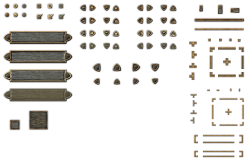
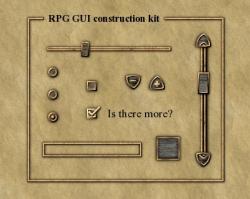
RPG GUI contruction kit v1.0 Made by Lamoot, released under CC-BY 3.0, all images used in the process are self made or from public domain sources.
Found at [https://opengameart.org/content/rpg-gui-construction-kit-v10](https://opengameart.org/content/rpg-gui-construction-kit-v10)
I slightly modified to get four buttons pictures on the basis of RPG GUI contruction kit, for testing
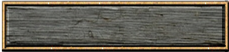
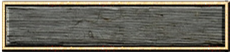
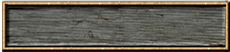
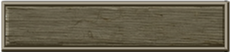
[ImageButton.zip](https://forum.castle-engine.io/uploads/short-url/8KhJFgLEmXiaw6M43QOPtzD9feB.zip) (99.9 KB)
[rpg\_gui\_v1.zip](https://forum.castle-engine.io/uploads/short-url/9qxBU1UR25Ff59ZiglNXKjwqCP2.zip) (2.8 MB)
---
### Author:  [@eugeneloza](https://forum.castle-engine.io/u/eugeneloza)
#### Post date: [January 31, 2023, 12:55pm UTC](https://forum.castle-engine.io/t/suggestions-for-adding-imagebutton-components/734/2 "2023-01-31T12:55:44Z")
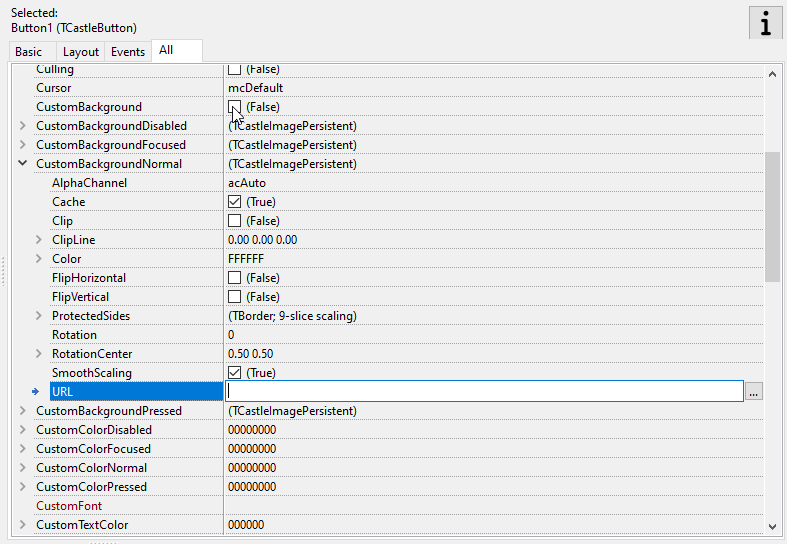
`TCastleButton` already supports this. You just need to set `CustomBackground = true` and then fill in CustomBackgroundDisabled/focused(=hover)/normal/pressed
---
### Author:  [@michalis](https://forum.castle-engine.io/u/michalis)
#### Post date: [January 31, 2023, 2:00pm UTC](https://forum.castle-engine.io/t/suggestions-for-adding-imagebutton-components/734/3 "2023-01-31T14:00:29Z")
Indeed, and see `examples/component_gallery/` for a demo how to use UI in various ways, including various TCastleButton setups.
Note that you need to provide now images for different state separately, but we also have PR to allow to use just an atlas for UI and choose regions from it: [New property TRegion for TCastleImagePersistent allows selecting a cropped region from a UI image set by Freedomax · Pull Request #442 · castle-engine/castle-engine · GitHub](https://github.com/castle-engine/castle-engine/pull/442) .