# \[Solved\] How to check if an object is in the view?
**URL:** https://forum.castle-engine.io/t/solved-how-to-check-if-an-object-is-in-the-view/1844
**Category:** 3D
**Created:** [March 29, 2025, 6:28am UTC](https://forum.castle-engine.io/t/solved-how-to-check-if-an-object-is-in-the-view/1844 "2025-03-29T06:28:01Z")
**Posts on this page:** 8
**Page:** 1
### Author:  [@Recongalina](https://forum.castle-engine.io/u/Recongalina)
#### Post date: [March 29, 2025, 6:28am UTC](https://forum.castle-engine.io/t/solved-how-to-check-if-an-object-is-in-the-view/1844/1 "2025-03-29T06:28:01Z")
Hello!
I’m trying to find out how to detect if an object (like a TCastleScene or any TCastleTranform) is in field of vision of the viewport (TCastleViewport or its TCastleCamera).
How do I do that?
PS: Maybe this solution is already described in the documentation, examples or on the forum, but I didn’t find it, sorry in advance
---
### Author:  [@kagamma](https://forum.castle-engine.io/u/kagamma)
#### Post date: [March 29, 2025, 9:01am UTC](https://forum.castle-engine.io/t/solved-how-to-check-if-an-object-is-in-the-view/1844/2 "2025-03-29T09:01:46Z")
See [Castle Game Engine: CastleScene: Class TCastleScene](https://castle-engine.io/apidoc/html/CastleScene.TCastleScene.html#SceneFrustumCulling)
If you want a more powerful version that accounts for objects behind other objects, then see [Castle Game Engine: CastleScene: Class TCastleScene](https://castle-engine.io/apidoc/html/CastleScene.TCastleScene.html#WasVisible)
---
### Author:  [@Recongalina](https://forum.castle-engine.io/u/Recongalina)
#### Post date: [March 29, 2025, 9:43am UTC](https://forum.castle-engine.io/t/solved-how-to-check-if-an-object-is-in-the-view/1844/3 "2025-03-29T09:43:58Z")
Thanks for help!
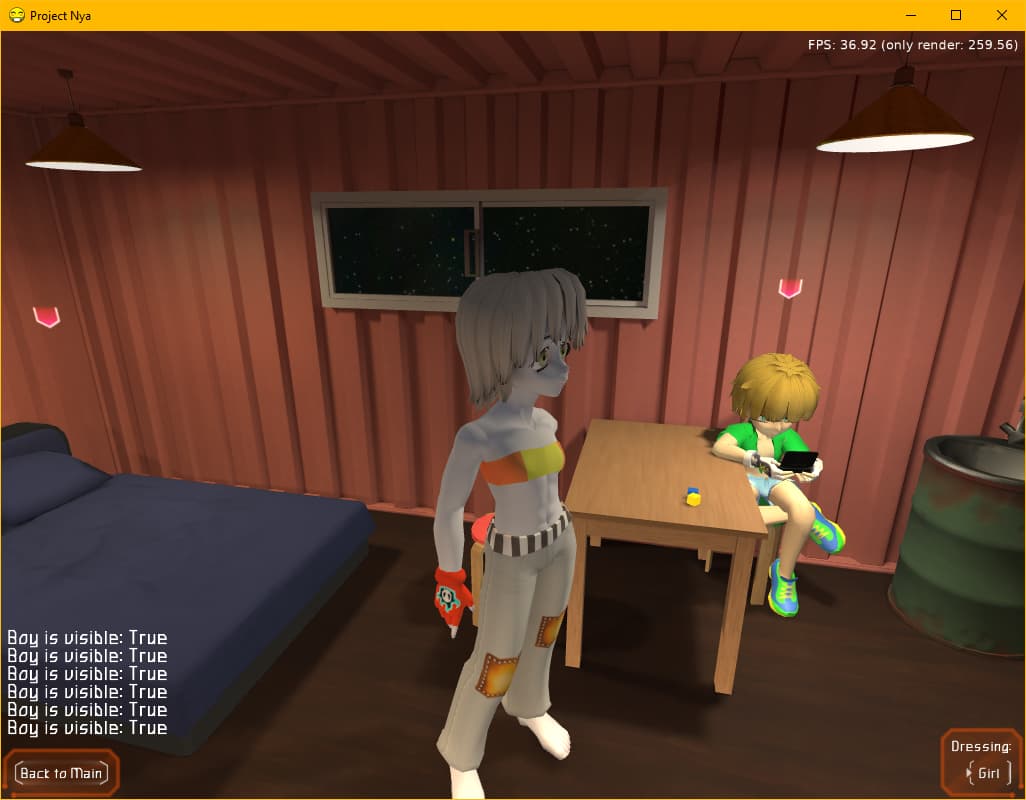
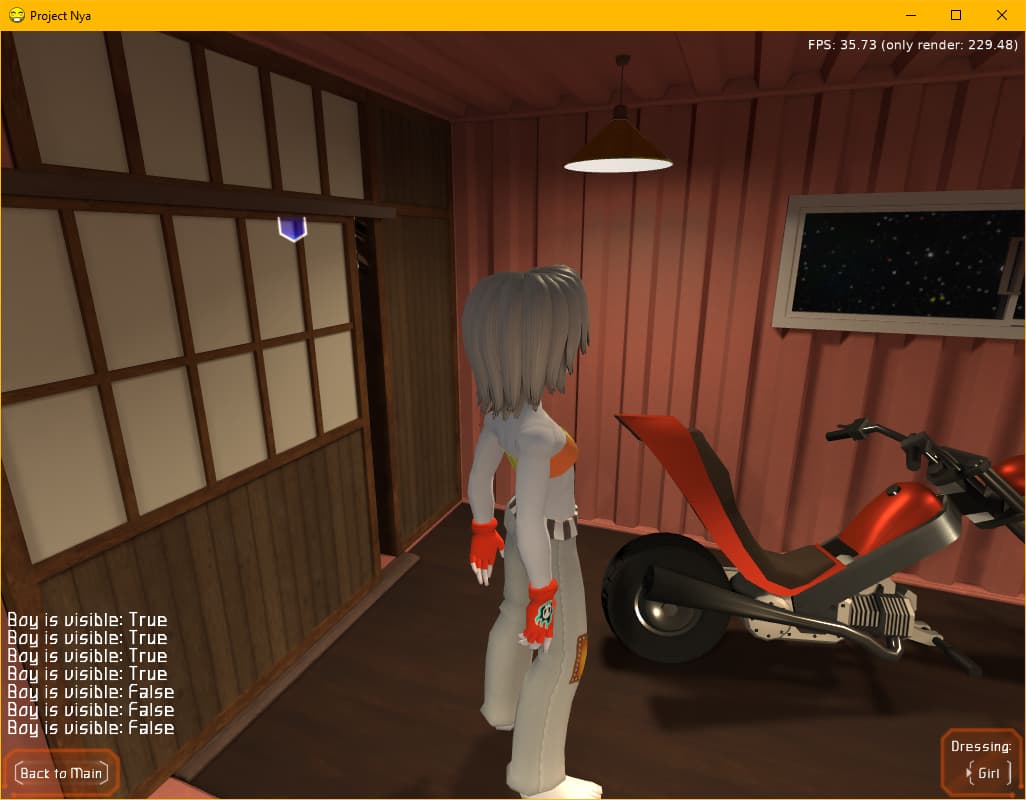
Second method working for me
---
### Author:  [@kagamma](https://forum.castle-engine.io/u/kagamma)
#### Post date: [March 29, 2025, 10:28am UTC](https://forum.castle-engine.io/t/solved-how-to-check-if-an-object-is-in-the-view/1844/4 "2025-03-29T10:28:54Z")
Looks like I misread the documentation, the first one is actually for something else…
---
### Author:  [@Recongalina](https://forum.castle-engine.io/u/Recongalina)
#### Post date: [March 29, 2025, 10:49am UTC](https://forum.castle-engine.io/t/solved-how-to-check-if-an-object-is-in-the-view/1844/5 "2025-03-29T10:49:31Z")
After reading the description, I also thought that it should work. But maybe it is only for the described specific case.
`¯\_(ツ)_/¯`
---
### Author:  [@michalis](https://forum.castle-engine.io/u/michalis)
#### Post date: [March 30, 2025, 11:23am UTC](https://forum.castle-engine.io/t/solved-how-to-check-if-an-object-is-in-the-view/1844/6 "2025-03-30T11:23:50Z")
The `TCastleScene.WasVisible` ( [Castle Game Engine: CastleScene: Class TCastleScene](https://castle-engine.io/apidoc/html/CastleScene.TCastleScene.html#WasVisible) ) is indeed the exact solution to this.
Other things determine _how_ do we detect this visibility.
- The `SceneFrustumCulling` ( [Castle Game Engine: CastleScene: Class TCastleScene](https://castle-engine.io/apidoc/html/CastleScene.TCastleScene.html#SceneFrustumCulling) ) matters, it should usually be `true` (whether you use `WasVisible` or not, it’s usually a good optimization). When this is `true` (default), it matters if objects is in frustum or not.
- Using or not occlusion culling ( [Occlusion Culling | Manual | Castle Game Engine](https://castle-engine.io/occlusion_culling) ) determines do we detect when scene is obscured by other objects (but still in frustum).
---
### Author:  [@Recongalina](https://forum.castle-engine.io/u/Recongalina)
#### Post date: [March 30, 2025, 1:59pm UTC](https://forum.castle-engine.io/t/solved-how-to-check-if-an-object-is-in-the-view/1844/7 "2025-03-30T13:59:04Z")
Sudden addition 🙄
So what if I want to determine the visibility of the area or point where the object should appear, but it hasn’t appeared yet? What can I do then?
---
### Author:  [@michalis](https://forum.castle-engine.io/u/michalis)
#### Post date: [March 30, 2025, 9:26pm UTC](https://forum.castle-engine.io/t/solved-how-to-check-if-an-object-is-in-the-view/1844/8 "2025-03-30T21:26:57Z")
If you only want to detect “visibility, according to whether it is in frustum” then you can check “frustum vs box / sphere” collision yourself using routines like
- [TFrustum.Box3DCollisionPossible](https://castle-engine.io/apidoc/html/CastleFrustum.TFrustum.html#Box3DCollisionPossible-TBox3D-)
- [TFrustum.Box3DCollisionPossibleSimple](https://castle-engine.io/apidoc/html/CastleFrustum.TFrustum.html#Box3DCollisionPossibleSimple-TBox3D-)
- [TFrustum.SphereCollisionPossible](https://castle-engine.io/apidoc/html/CastleFrustum.TFrustum.html#SphereCollisionPossible-TVector3-Single-)
- [TFrustum.SphereCollisionPossibleSimple](https://castle-engine.io/apidoc/html/CastleFrustum.TFrustum.html#SphereCollisionPossibleSimple-TVector3-Single-)
To get `TFrustum`, you can just look at `MyViewport.Camera.Frustum`. It’s automatically updated.
( To get “visibility, accounting for the fact that object may be obscured by another object” is harder – our [Occlusion Culling | Manual | Castle Game Engine](https://castle-engine.io/occlusion_culling) doesn’t expose facility to check arbitrary things (not yet in world) now. You’d have to use the respective OpenGL/OpenGLES/WebGL API directly. See how [castleinternalocclusionculling.pas](https://github.com/castle-engine/castle-engine/blob/master/src/scene/castleinternalocclusionculling.pas) is implemented. )