# Dragging items between various UIs
**URL:** https://forum.castle-engine.io/t/dragging-items-between-various-uis/2206
**Category:** Uncategorized
**Created:** [September 8, 2026, 9:16am UTC](https://forum.castle-engine.io/t/dragging-items-between-various-uis/2206 "2026-09-08T09:16:23Z")
**Posts on this page:** 7
**Page:** 1
### Author:  [@kagamma](https://forum.castle-engine.io/u/kagamma)
#### Post date: [September 8, 2026, 9:16am UTC](https://forum.castle-engine.io/t/dragging-items-between-various-uis/2206/1 "2026-09-08T09:16:23Z")
I am trying to implement item dragging between various UI. The issue is that if I trigger a `Press` event and start dragging, the `Motion` and `Release` events only fire for the UI that the item originally belonged to, and not the target UI. I wonder how to deal with this issue.
---
### Author:  [@michalis](https://forum.castle-engine.io/u/michalis)
#### Post date: [September 8, 2026, 9:55am UTC](https://forum.castle-engine.io/t/dragging-items-between-various-uis/2206/2 "2026-09-08T09:55:02Z")
Indeed.
To explain what / why happens:
If a `TCastleUserInterface` handles `Press` (returning `true` from `Press` or `PreviewPress` methods override) → it captures further events about the mouse (for this finger, in case of multi-touch), so that it is notified about motion/release even if mouse moves outside of it.
In case of `Motion` and `Release`, they pass events to (in order) :
- `ForceCaptureInput `(and no further, if `ForceCaptureInput `event returned true)
- current pointer lock control (and no further, if `PointerLock.Controller` event returned true)
- current capturing control (from `FCaptureInput`) (and no further - we stop here, _unconditionally_ for now, regardless if capturing control returned `false` or `true` from its event handler; proof: grep `// if something is capturing the input, prevent other controls from getting the events` in `castleuicontrols_container.inc` 🙂 )
- and only then we proceed to pass event to other controls (everything in the hierarchy, except controls already handled above).
Possible solutions for you:
- Do not allow the source control to capture events.
- Alternatively, don’t disable capturing at source, but make sure target sees it. So set `TCastleContainer.ForceCaptureInput` to the _target_ component, so that it is notified about dragging. This makes sense if there’s only a single possible target (`TCastleContainer.ForceCaptureInput` is one component) – hm, that’s probably not the usual case:)
All in all, the simplest/reasonable/reliable answer for now is to track `ControlOnWhichDraggingStarted` and just call `if ControlOnWhichDraggingStarted <> nil then Container.ReleaseCapture(ControlOnWhichDraggingStarted)` from view’s `Update`.
TODO for engine: I admittedly don’t remember why we have this _unconditional_ cancellation, for motion and release, from passing events further, if `FCaptureInput` for this is set. Maybe the right solution is just to not do this? I.e. right now we have this:
```delphi
if (Capture <> nil) and
(not IsForceCaptureInput(Capture)) and
(not IsPointerLockController(Capture)) then
begin
Result := NonRecursivePreviewAndRelease(Capture);
Exit; // if something is capturing the input, prevent other controls from getting the events
end;
```
Maybe we should just do this:
```delphi
if (Capture <> nil) and
(not IsForceCaptureInput(Capture)) and
(not IsPointerLockController(Capture)) then
begin
Result := NonRecursivePreviewAndRelease(Capture);
if Result then Exit; // only if capturing control processed this, prevent other controls from getting the events
end;
```
Test / PR of the latter solution at the engine side, to make `Motion` and `Release` just continue the job (if the capturing control returned `false` from its `Motion` / `Release`) are welcome:) You can also look at git blame around these lines – I honestly don’t remember now why I made it this way (doing `Exit` regardless of `NonRecursivePreviewAndRelease(Capture)` value), but maybe I had a reason and git blame will tell it:)
---
### Author:  [@kagamma](https://forum.castle-engine.io/u/kagamma)
#### Post date: [September 8, 2026, 10:33am UTC](https://forum.castle-engine.io/t/dragging-items-between-various-uis/2206/3 "2026-09-08T10:33:31Z")
`Container.ReleaseCapture` works until the item reach the edge of the source UI then it stop updating 😆 (The source UI is responsible for both the rendering and the positioning of the dragged item).
---
### Author:  [@DiggiDoggi](https://forum.castle-engine.io/u/DiggiDoggi)
#### Post date: [September 8, 2026, 12:49pm UTC](https://forum.castle-engine.io/t/dragging-items-between-various-uis/2206/4 "2026-09-08T12:49:51Z")
You could try to put the two on one background parent. That would prevent the world view below (the ground plane) from intercepting the mouse. Just sharing my idea.
Alternatively, you could use mouse click (or tap on touch screen) to “grab” the item from inventory, and use following next click to “release” it to the clicked inventory.
You only need to store the moved item ID somewhere, and use its icon to replace mouse pointer.
Advantage of it is that you don’t need to hold the button down, or keep finger movement on touch screen. This way you avoid mouse drag entirely. And it allows users to use any pointing device or game controller.
---
### Author:  [@kagamma](https://forum.castle-engine.io/u/kagamma)
#### Post date: [September 8, 2026, 12:57pm UTC](https://forum.castle-engine.io/t/dragging-items-between-various-uis/2206/5 "2026-09-08T12:57:27Z")
- There will be more UIs on screen (i.e the Player and the NPC’s equipment slots)
- Users can drop item to the ground via dragging as well.
“Replacing the mouse pointer” is what I am doing right now. Not really convenient since many logic need to be implemented on TCastleView side, which is what I am trying to avoid (game logic is mainly scripted using my own scripting language, and I prefer to expose those events from TCastleUserInterface’s descendents)
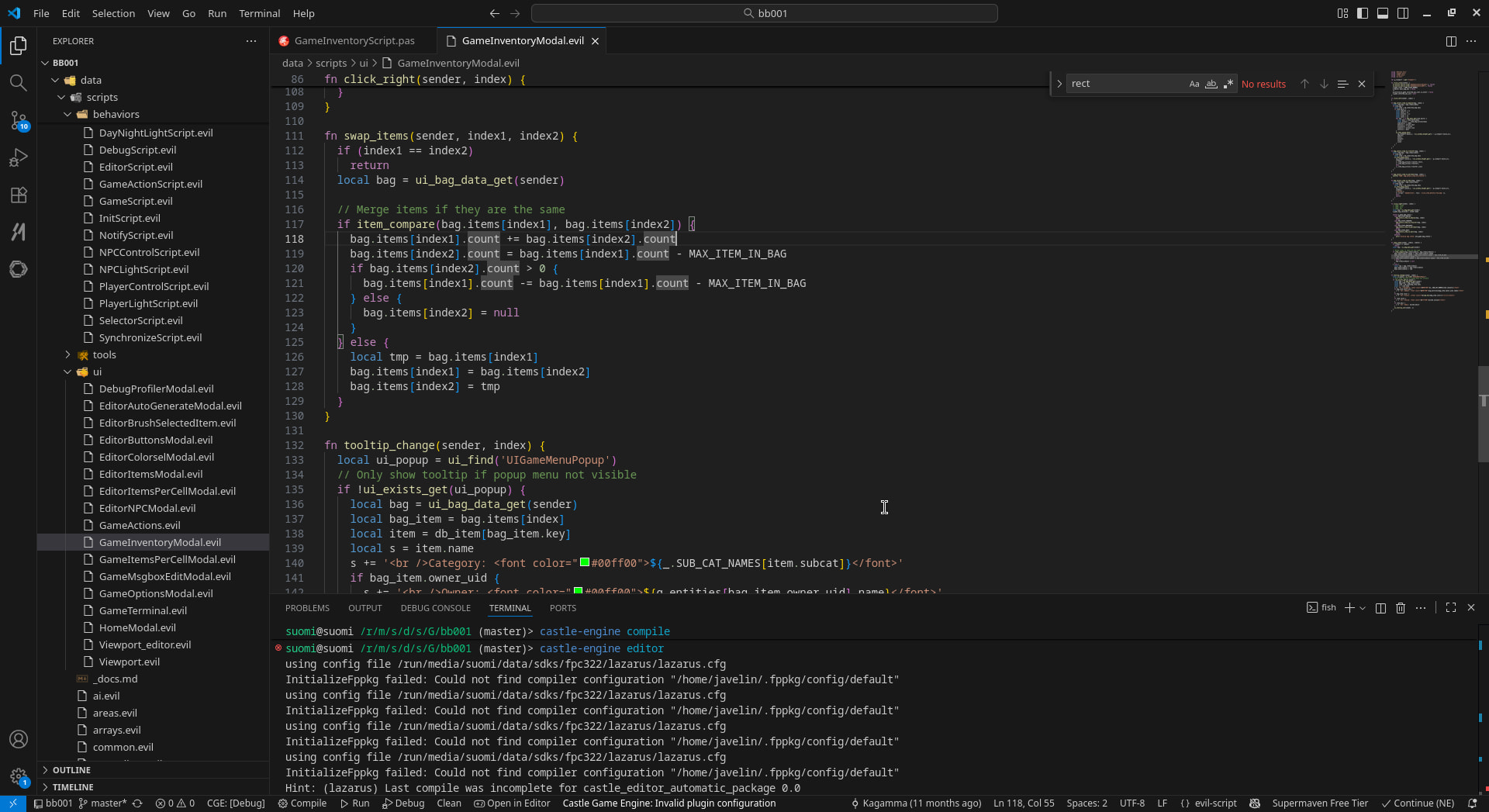
For example the inventory UI is currently exposing these following functions:

Which then can be implemented on the script side:
---
### Author:  [@kagamma](https://forum.castle-engine.io/u/kagamma)
#### Post date: [September 8, 2026, 2:43pm UTC](https://forum.castle-engine.io/t/dragging-items-between-various-uis/2206/6 "2026-09-08T14:43:08Z")
Done. A bit ugly on the TCastleView side.
---
### Author:  [@michalis](https://forum.castle-engine.io/u/michalis)
#### Post date: [September 14, 2026, 11:47am UTC](https://forum.castle-engine.io/t/dragging-items-between-various-uis/2206/7 "2026-09-14T11:47:18Z")
> [@kagamma](#):
>
> `Container.ReleaseCapture` works until the item reach the edge of the source UI then it stop updating 😆
Indeed, that is what `ReleaseCapture` means → “if a mouse is not above me, I’m no longer interested in events about it”.
If you want to go with `ReleaseCapture` approach, you have to handle motion events on a parent. Like a `TCastleView`, or any other `TCastleUserInterface` that is a parent of the other controls. (`TCastleView` is itself rather simple, it can be a parent of other controls, and it is `TCastleUserInterface` descendant, and it’s `FullSize`.) I guess that’s similar to your ultimate solution:)