# Castle Lines 2D
**URL:** https://forum.castle-engine.io/t/castle-lines-2d/701
**Category:** Show Your Projects
**Created:** [December 24, 2022, 5:27pm UTC](https://forum.castle-engine.io/t/castle-lines-2d/701 "2022-12-24T17:27:53Z")
**Posts on this page:** 6
**Page:** 1
### Author:  [@KumurTash](https://forum.castle-engine.io/u/KumurTash)
#### Post date: [December 24, 2022, 5:27pm UTC](https://forum.castle-engine.io/t/castle-lines-2d/701/1 "2022-12-24T17:27:53Z")
**[Castle Lines 2D](https://github.com/KumurTash/CastleLines2D)** is a set of two components for **Castle Game Engine**
**Castle Lines 2D** makes it possible to create geometry from polygons directly in the CGE editor.
**Castle Lines 2D** consists of classes inherited from TCastleAbstractPrimitive:
TCastleLine2D - polyline.
TCastlePolygon2D - potentially non-convex polygon.
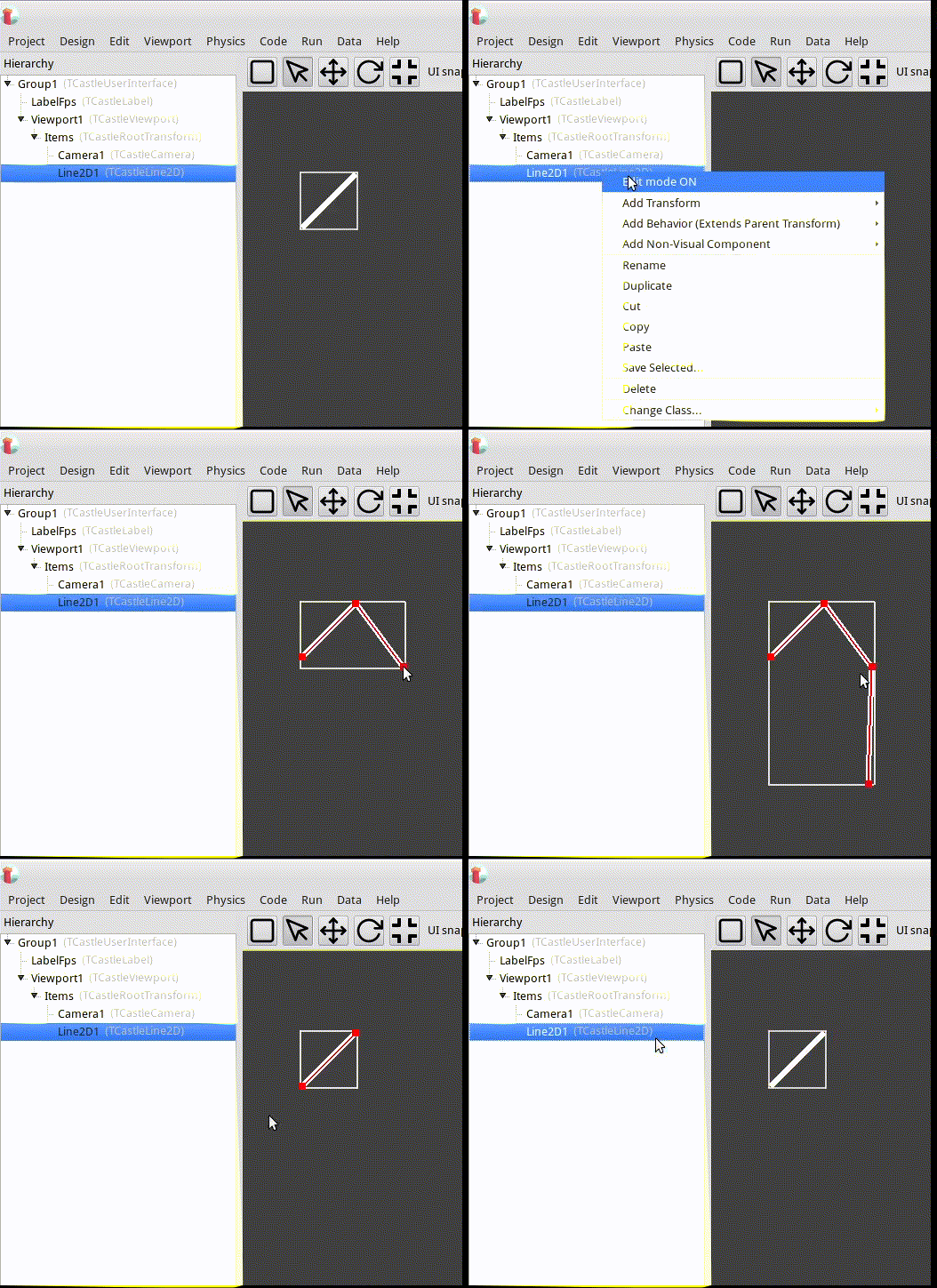
To enter the editing mode, use the drop-down menus in the object hierarchy window
**Left mouse button** - add a point, move a point.
**Right mouse button** - delete a point.
**Middle mouse button** - open a window for editing a point.
## Detailed usage instructions:
1. Get TCastleLine2D code.
2. Point your project to `TCastleLine2D` sources. E.g. add this to `CastleEngineManifest.xml:`
```auto
```
1. Add to `CastleEngineManifest.xml` the line `editor_units="CastleLine2D,CastlePolygon2D"`.
See [CastleEngineManifest.xml](https://castle-engine.io/project_manifest) docs for examples.
2. Open your project in CGE editor and use _“Project → Restart Editor (With Custom Components)”_
3. In Lazarus don’t forget to add the source path to _“Project Options → Compiler Options → Paths → Other unit files”_
4. Be sure to also add `CastleLine2D, CastlePolygon2D` to some uses clause, to register components at runtime.
## Documentation
For detailed documentation, see [Castle Lines 2D](https://kumurtash.github.io/CastleLines2D-docs/index.html)
## Examples
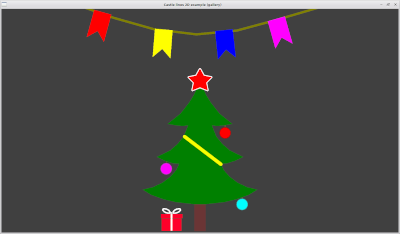
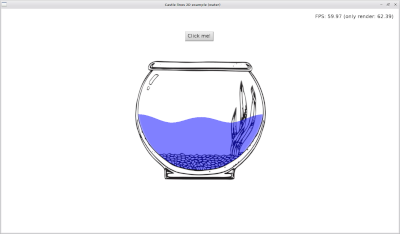
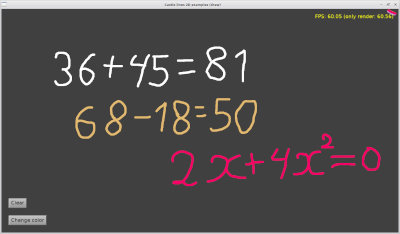
For examples, see _/CastleLines2D/examples_
---
### Author:  [@michalis](https://forum.castle-engine.io/u/michalis)
#### Post date: [December 27, 2022, 11:15pm UTC](https://forum.castle-engine.io/t/castle-lines-2d/701/2 "2022-12-27T23:15:15Z")
! This is fantastic 🙂 And you added screenshots and documentation - perfect, thank you! I will post about it soon (in 1-2 days) on Castle Game Engine news [Castle Game Engine – Open-Source 3D and 2D Game Engine](https://castle-engine.io/wp/) and will mention it on our “Additional Components” page [Additional Components | Castle Game Engine](https://castle-engine.io/additional_components.php) .
Many thanks, and more news soon 🙂
---
### Author:  [@KumurTash](https://forum.castle-engine.io/u/KumurTash)
#### Post date: [January 12, 2023, 12:42pm UTC](https://forum.castle-engine.io/t/castle-lines-2d/701/3 "2023-01-12T12:42:13Z")
Added various ways to apply texture. This allows you to create 2D platforms of any shape.
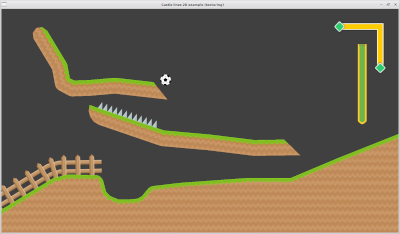
More details - [Castle lines 2D: Introduction](https://kumurtash.github.io/CastleLines2D-docs/en/index.html#change)
---
### Author:  [@michalis](https://forum.castle-engine.io/u/michalis)
#### Post date: [January 13, 2023, 6:57pm UTC](https://forum.castle-engine.io/t/castle-lines-2d/701/4 "2023-01-13T18:57:02Z")
Thank you again!
1. I made a news announcement about it: [Draw 2D geometry inside CGE editor using Castle Lines 2D components – Castle Game Engine](https://castle-engine.io/wp/2023/01/13/draw-2d-geometry-inside-cge-editor-using-castle-lines-2d-components/) . If I missed anything or said wrong, of course go ahead and let me know.
2. I also submitted 2 small issues:
3. I noticed that in each example, like `examples/gallery/data`, you have `layer_physics_simulation.castle-user-interface` and `gizmos` ( [CastleLines2D/examples/gallery/data at main · KumurTash/CastleLines2D · GitHub](https://github.com/KumurTash/CastleLines2D/tree/main/examples/gallery/data) ) that (judging from the names) are a copy of CGE editor data, [castle-engine/tools/castle-editor/data at master · castle-engine/castle-engine · GitHub](https://github.com/castle-engine/castle-engine/tree/master/tools/castle-editor/data) . Can you explain why do you need it? You should not need to copy this data (even though you use a custom editor – it should access the data of the original editor). I’m wondering
---
### Author:  [@KumurTash](https://forum.castle-engine.io/u/KumurTash)
#### Post date: [January 13, 2023, 7:55pm UTC](https://forum.castle-engine.io/t/castle-lines-2d/701/5 "2023-01-13T19:55:01Z")
I am very glad that you appreciated my project.
**In News:**
> The line can have non-trivial thickness
I plan to make a dynamic line thickness based on TPiecewiseCubicBezier in the next version.
**About “gizmos” and “layer\_physics\_simulation”**
If i open “castle\_game\_engine/examples/advanced\_editor/custom\_component/”. Try to open in a file “gameviewmain.castle-user-interface”. I get the error:
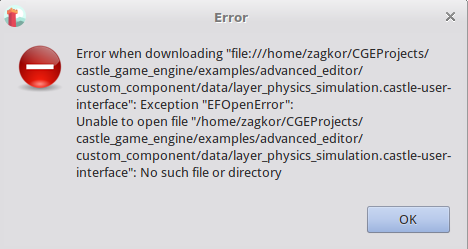
The error disappears if you copy the gizmos directory.
After the error appears:
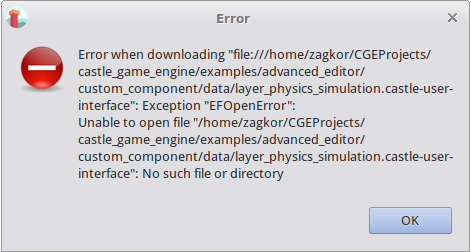
The error disappears if you copy the “layer\_physics\_simulation.castle-user-interface” file.
The same happens with my components. I thought it was a feature of CGE.
---
### Author:  [@michalis](https://forum.castle-engine.io/u/michalis)
#### Post date: [January 13, 2023, 9:58pm UTC](https://forum.castle-engine.io/t/castle-lines-2d/701/6 "2023-01-13T21:58:44Z")
> [@KumurTash](#):
>
> **About “gizmos” and “layer\_physics\_simulation”**
> …
> I thought it was a feature of CGE.
Oh it was an ordinary bug 🙂
I see the problem, and I can reproduce the case when the custom castle-editor indeed will not find the CGE location (thus it will not find the original editor data). The problem slipped my testing, because I usually define CASTLE\_EDITOR\_PATH environment variable, and then this problem doesn’t exist. But users _should not need to_ define CASTLE\_EDITOR\_PATH.
… and fixed. Luckily custom CGE editor can still depend on build tool to detect proper CGE location.
Fixed in [Fix custom CGE editor build - it must find CGE location, so build tool · castle-engine/castle-engine@e6e448c · GitHub](https://github.com/castle-engine/castle-engine/commit/e6e448c85dc26bcc8f239da591347230231a5abf) . If you use binary builds on CGE from [Download | Castle Game Engine](https://castle-engine.io/download) , give Jenkins 6-8 hours and they will be updated with the fix. Afterwards, please test and you should see the problem gone, i.e. things should work without the need to copy the CGE editor data into each example.