# Bilinear interpolation to smooth the splat map
**URL:** https://forum.castle-engine.io/t/bilinear-interpolation-to-smooth-the-splat-map/1879
**Category:** Uncategorized
**Created:** [April 25, 2025, 9:02pm UTC](https://forum.castle-engine.io/t/bilinear-interpolation-to-smooth-the-splat-map/1879 "2025-04-25T21:02:55Z")
**Posts on this page:** 4
**Page:** 1
### Author:  [@edj](https://forum.castle-engine.io/u/edj)
#### Post date: [April 25, 2025, 9:02pm UTC](https://forum.castle-engine.io/t/bilinear-interpolation-to-smooth-the-splat-map/1879/1 "2025-04-25T21:02:55Z")
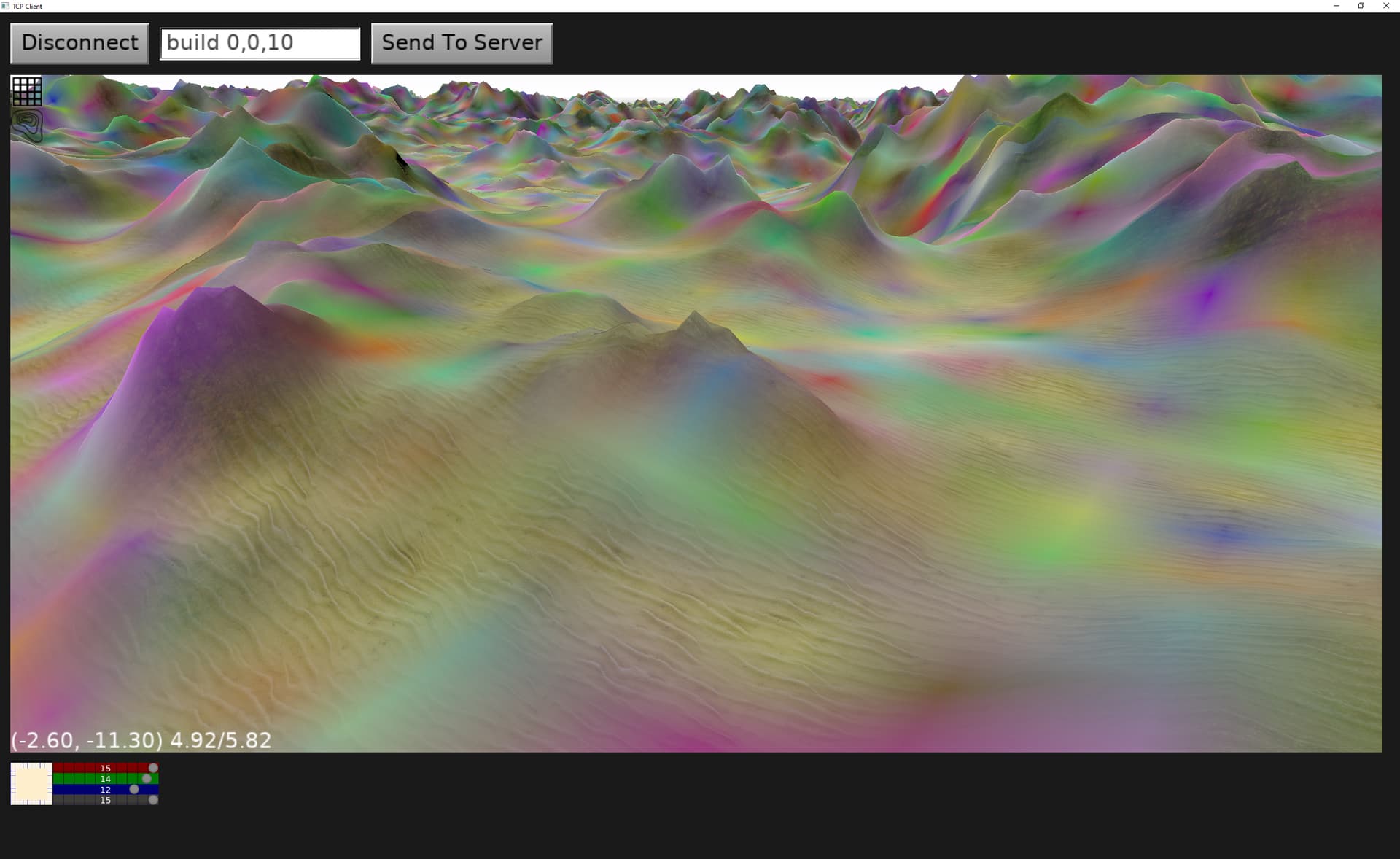
Now it doesn’t look griddy at all. This is only interpolating the colors with their alpha. I don’t have it yet working with the textures, but that should be easy now.
It was arduous getting this to work smoothly. So many ways to go wrong.
---
### Author:  [@edj](https://forum.castle-engine.io/u/edj)
#### Post date: [April 25, 2025, 9:05pm UTC](https://forum.castle-engine.io/t/bilinear-interpolation-to-smooth-the-splat-map/1879/2 "2025-04-25T21:05:09Z")
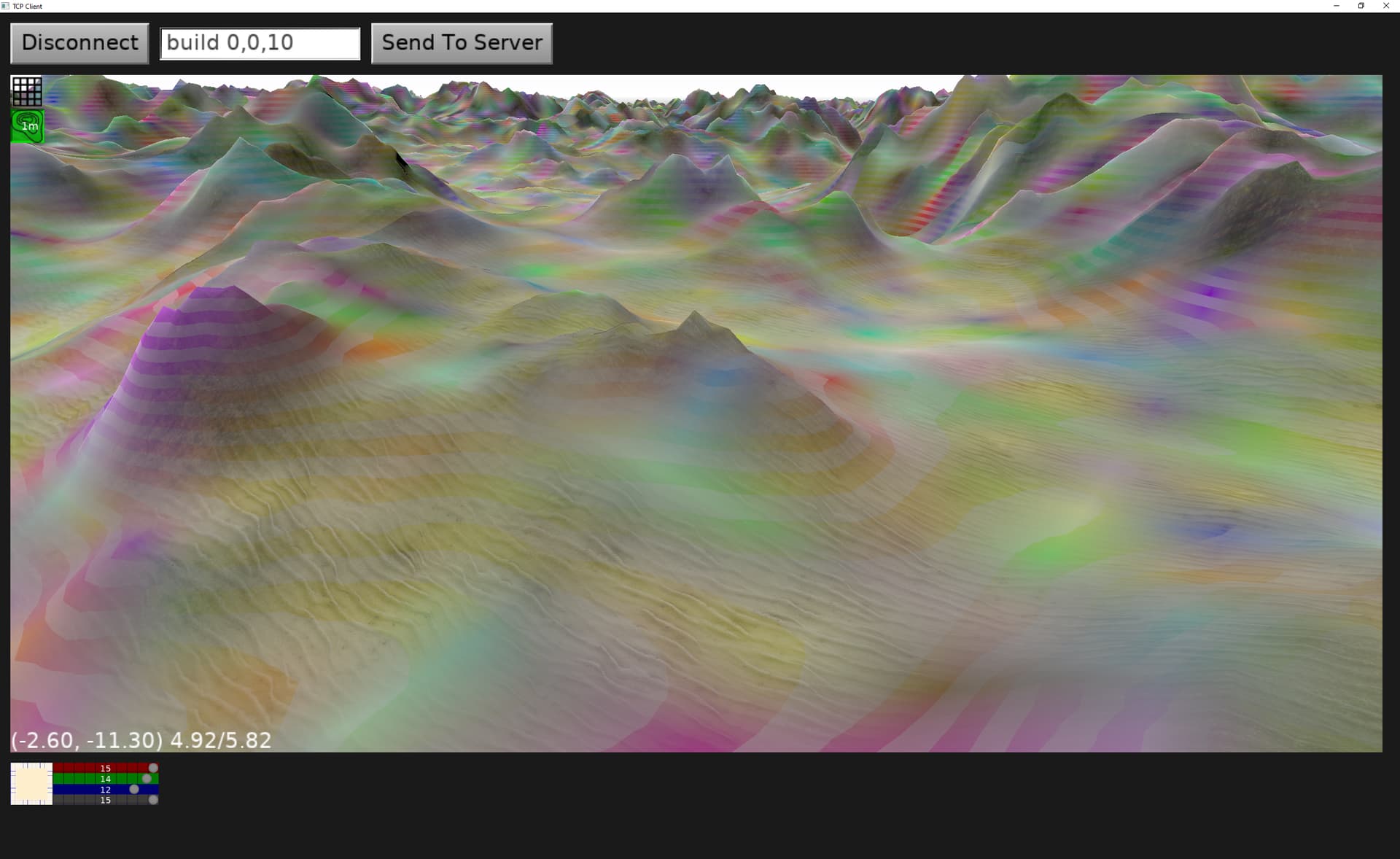
Dinky doodle took a trip to candyland… (desaturated contour striping).
---
### Author:  [@edj](https://forum.castle-engine.io/u/edj)
#### Post date: [April 25, 2025, 11:26pm UTC](https://forum.castle-engine.io/t/bilinear-interpolation-to-smooth-the-splat-map/1879/3 "2025-04-25T23:26:41Z")
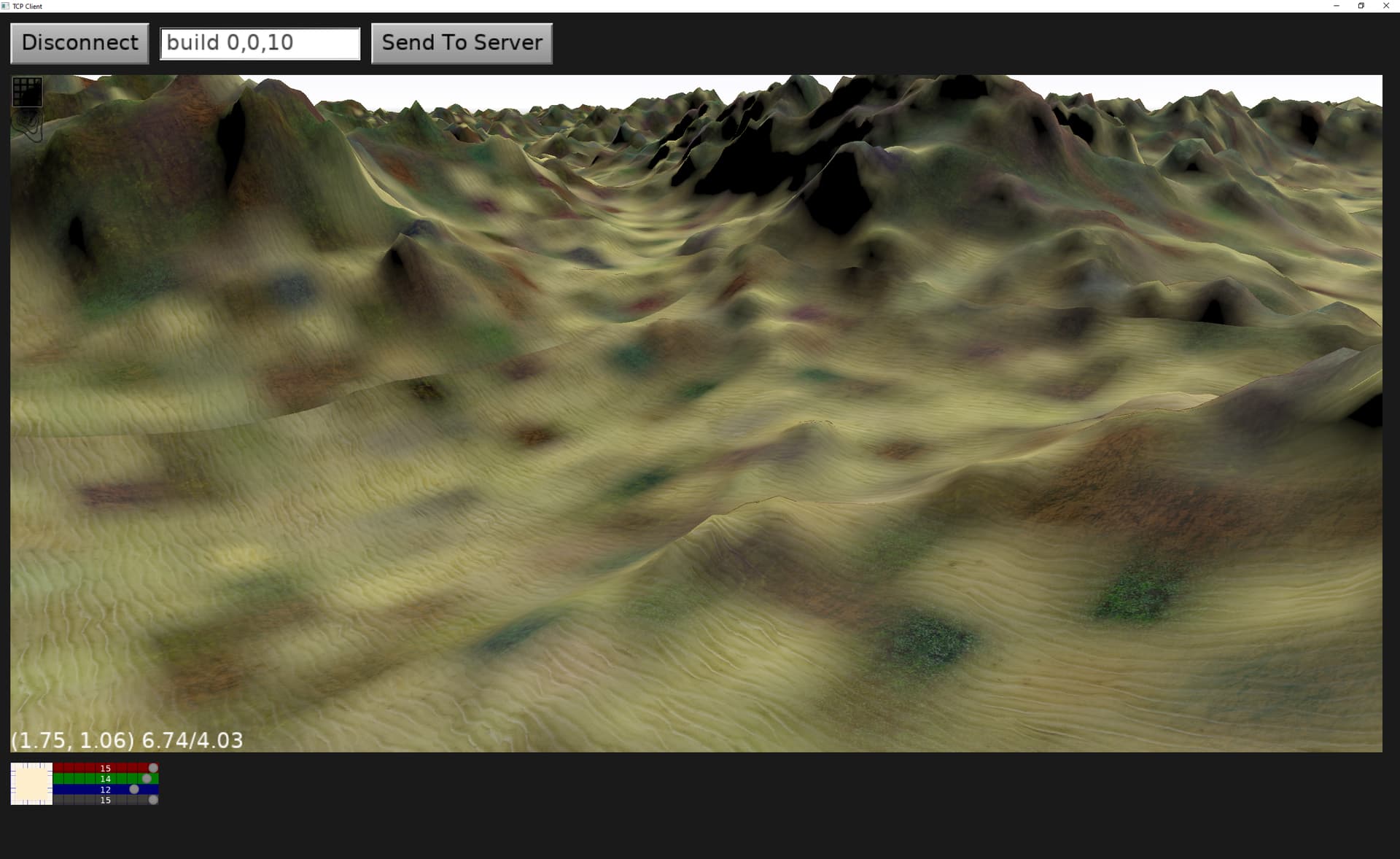
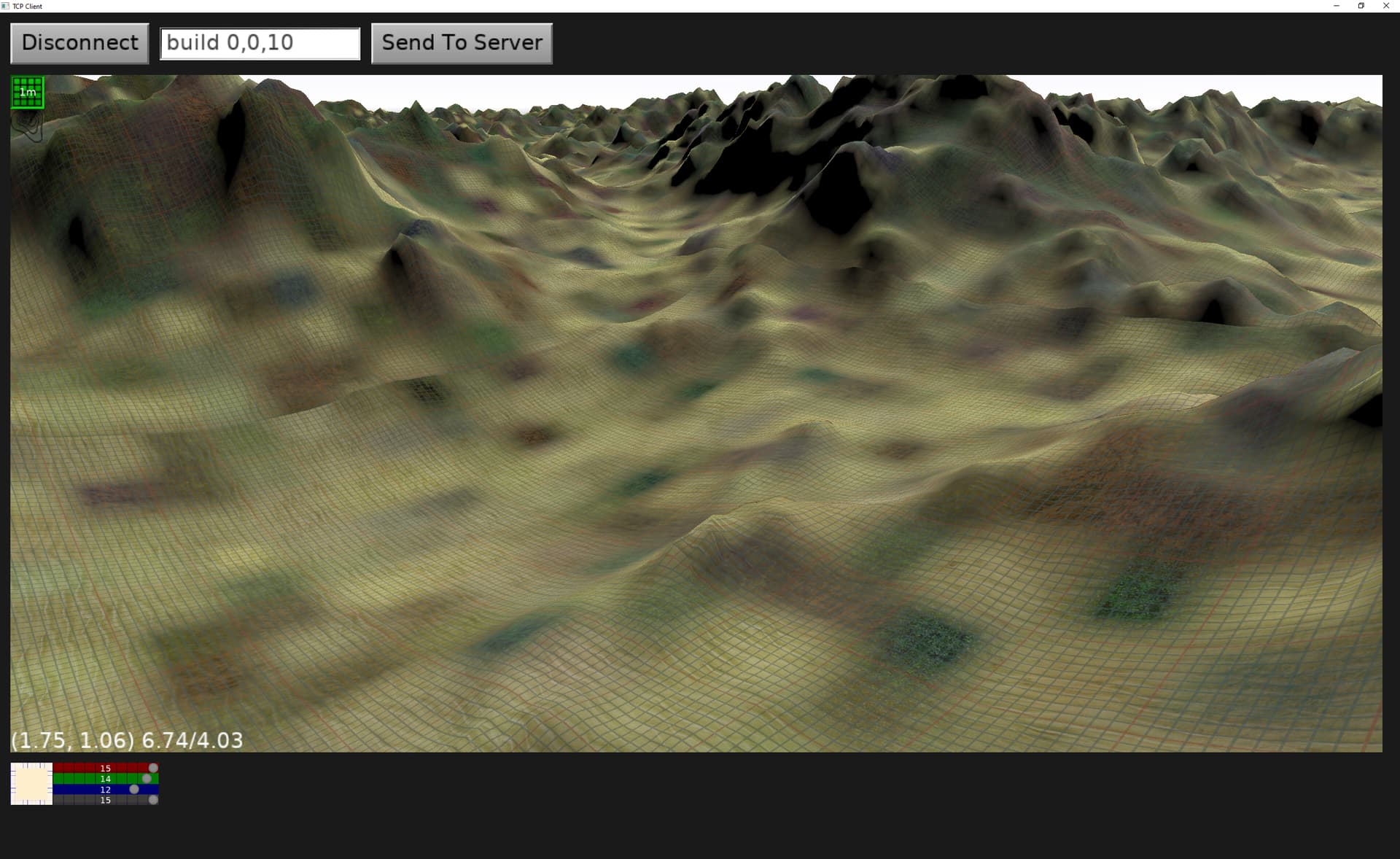
Now the textures cells are bilinear interpolated too. (each splat cell has a color and a texture). Now I have to solve the seams at the tile boundaries, and at the world x=0 or y=0 axis where my function to get 0..1 coords within a cell seems to ‘mirror’. There are still random colors mixed in, but much more subdued since I am not making candyland.
---
### Author:  [@edj](https://forum.castle-engine.io/u/edj)
#### Post date: [April 26, 2025, 12:25pm UTC](https://forum.castle-engine.io/t/bilinear-interpolation-to-smooth-the-splat-map/1879/4 "2025-04-26T12:25:10Z")
A very long time ago I posted a question about having tiles with different terrain parameters next to each other. I was unable to smooth them to look good, the corner area was always messed up against the other tiles. It is the same issue I solved to smooth the colors/textures. So now I can solve that and have a world that has different looking regions. I plan to share all this effort, perhaps somebody is needing fast, light terrain for their application? It should be almost a drop in replacement for tcastleterrain (though still needs castleterrain for the noise generation). Anybody want to be an early adopter?